Enter/Exit Programming Mode
Product Reference Guide
109
SCANNING FEATURES
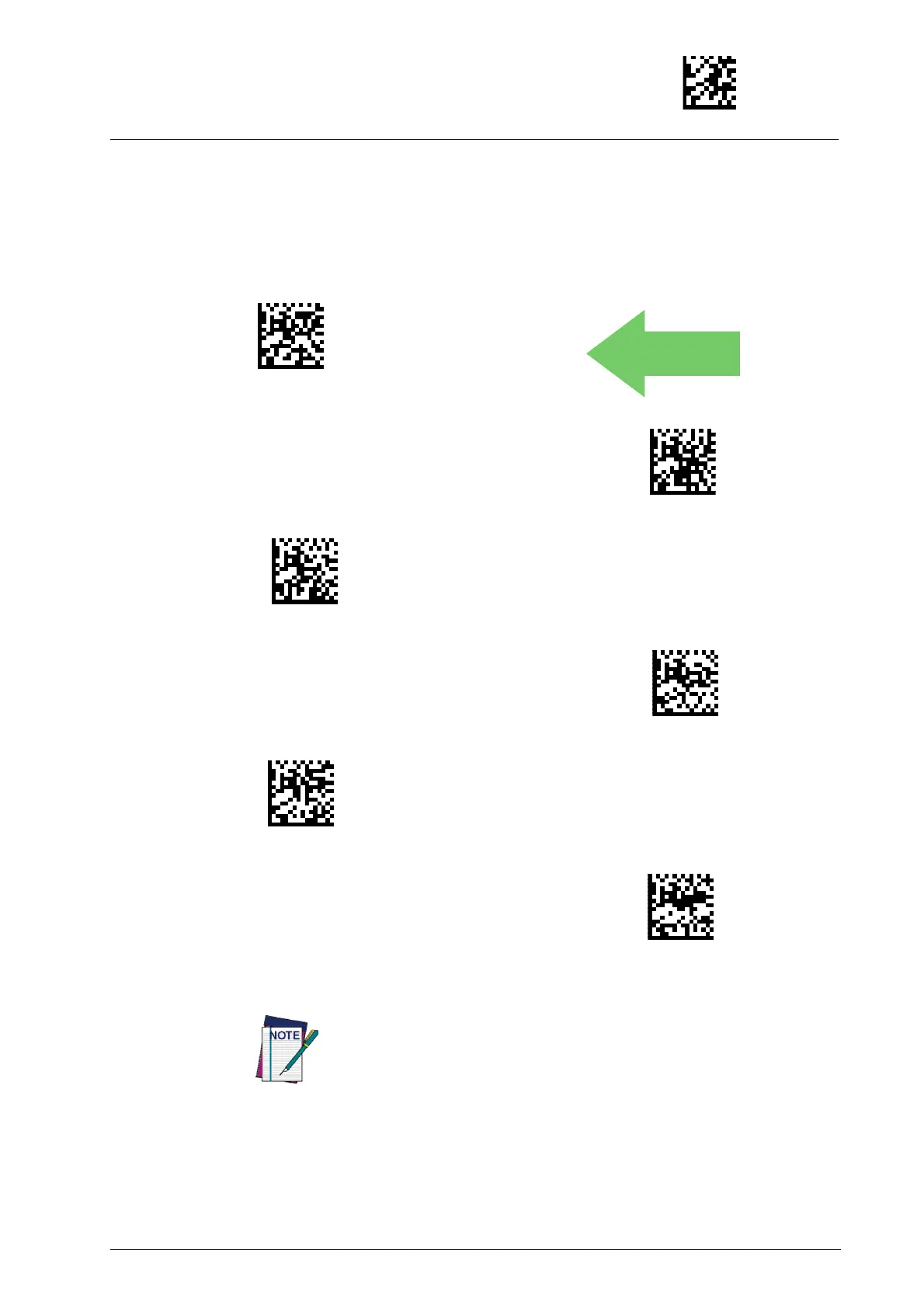
Scan Mode
Selects the reader’s scan operating mode. See page 294 in “References” for
descriptions.
Scan Mode = Trigger Single
Scan Mode = Trigger Hold Multiple
Scan Mode = Trigger Pulse Multiple
Scan Mode = Flashing
Scan Mode = Always On
Scan Mode = Stand Mode
Options concerning Stand Mode behavior are available at the follow-
ing feature,
Stand Operation
.



 To Next Page
 Loading...