Enter/Exit Programming Mode
Product Reference Guide
93
Individually Set Label ID
This feature configures a Label ID individually for a single symbology. To
set, first define whether you want it as a prefix or suffix by scanning a label
below. Then turn to Label ID Symbology Selection − 1D
Symbologies, starting on page 94 to select the symbolo
gy you want to set,
followed by up to 3 characters from the ASCII Chart at the back of this man-
ual. See "Label ID: S
et Individually Per Symbology" on page 290 for detailed
instructions on setting this feature.
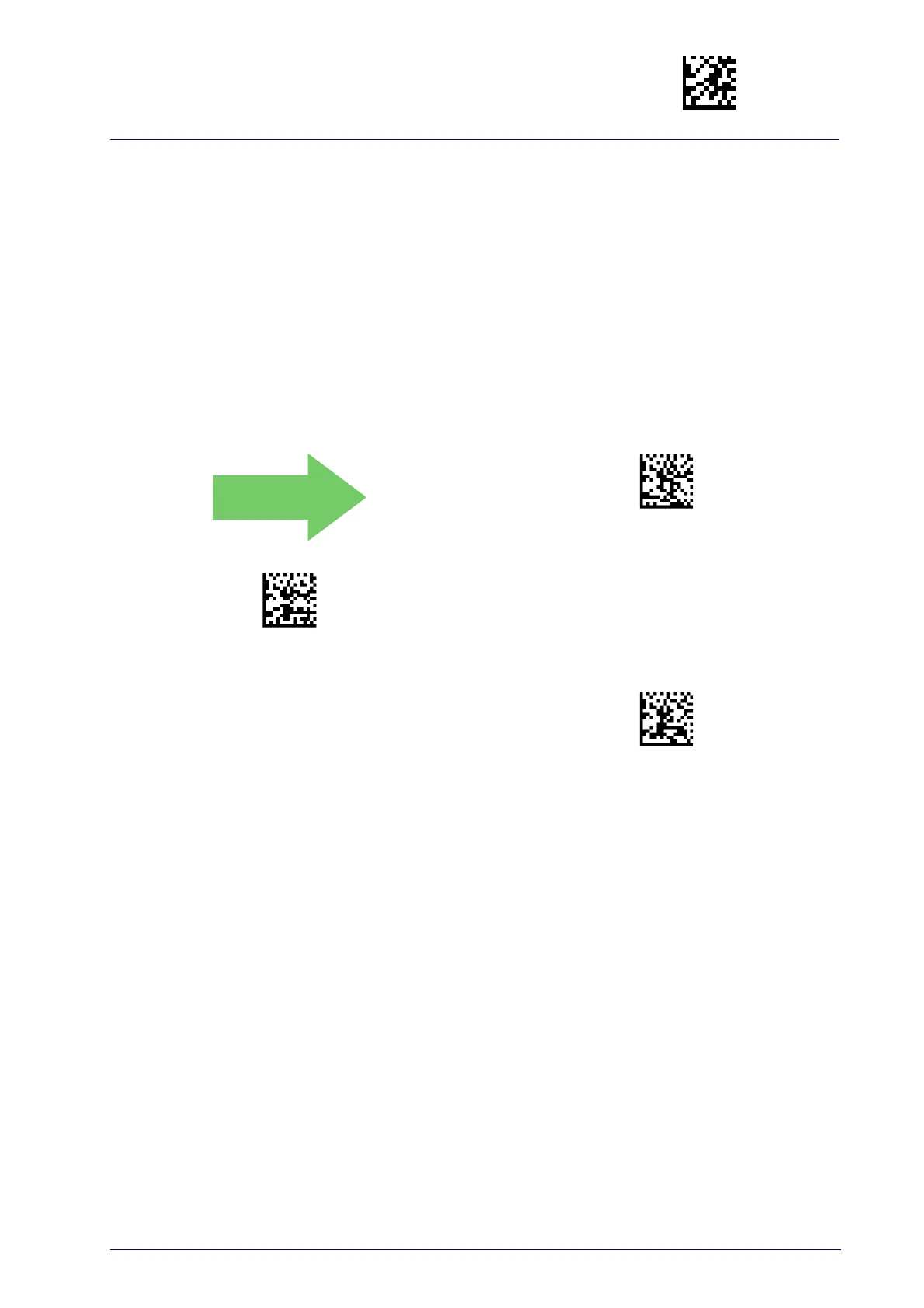
Label ID Control
This option controls whether a Label ID is disabled, or sent as a prefix or
suffix for a given symbology type.
Label ID Transmission = Disable
Label ID Transmission = Enable as Prefix
Label ID Transmission = Enable as Suffix



 To Next Page
 Loading...