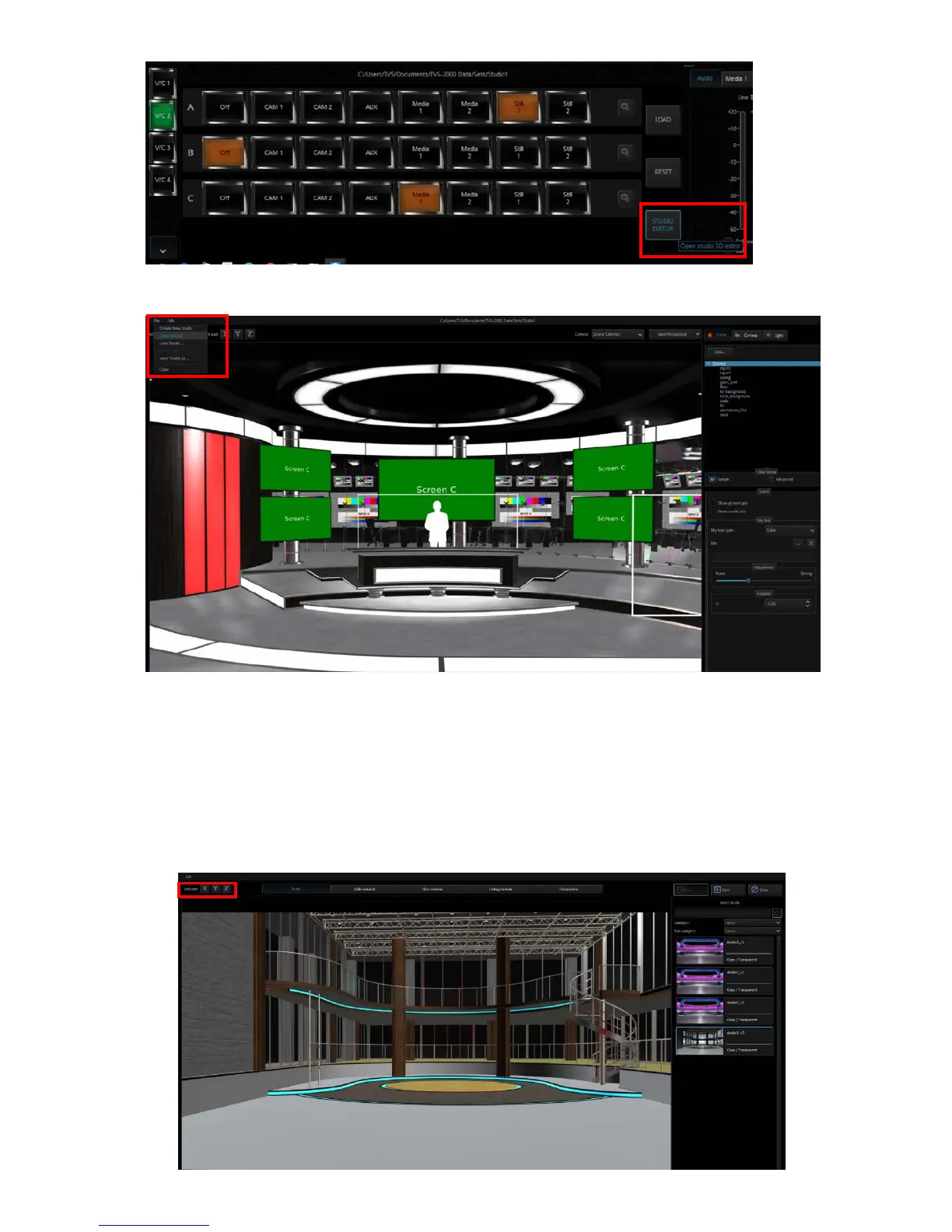
To the top left corner, click “File” and then “Open Wizard” to start creating your scene.
The 3D Studio Editor shown in the diagram above allows the user to quickly create the scene
even if you are not an experienced 3D Editor user. There are three function areas on the
screen and they are (1) virtual camera customization tool, (2) scene object selection, and (3)
material template.
Virtual Camera Customization Tool
The user is allowed to lock the x, y and z axes so that you will obtain a more precise shift while
moving the camera.



 To Next Page