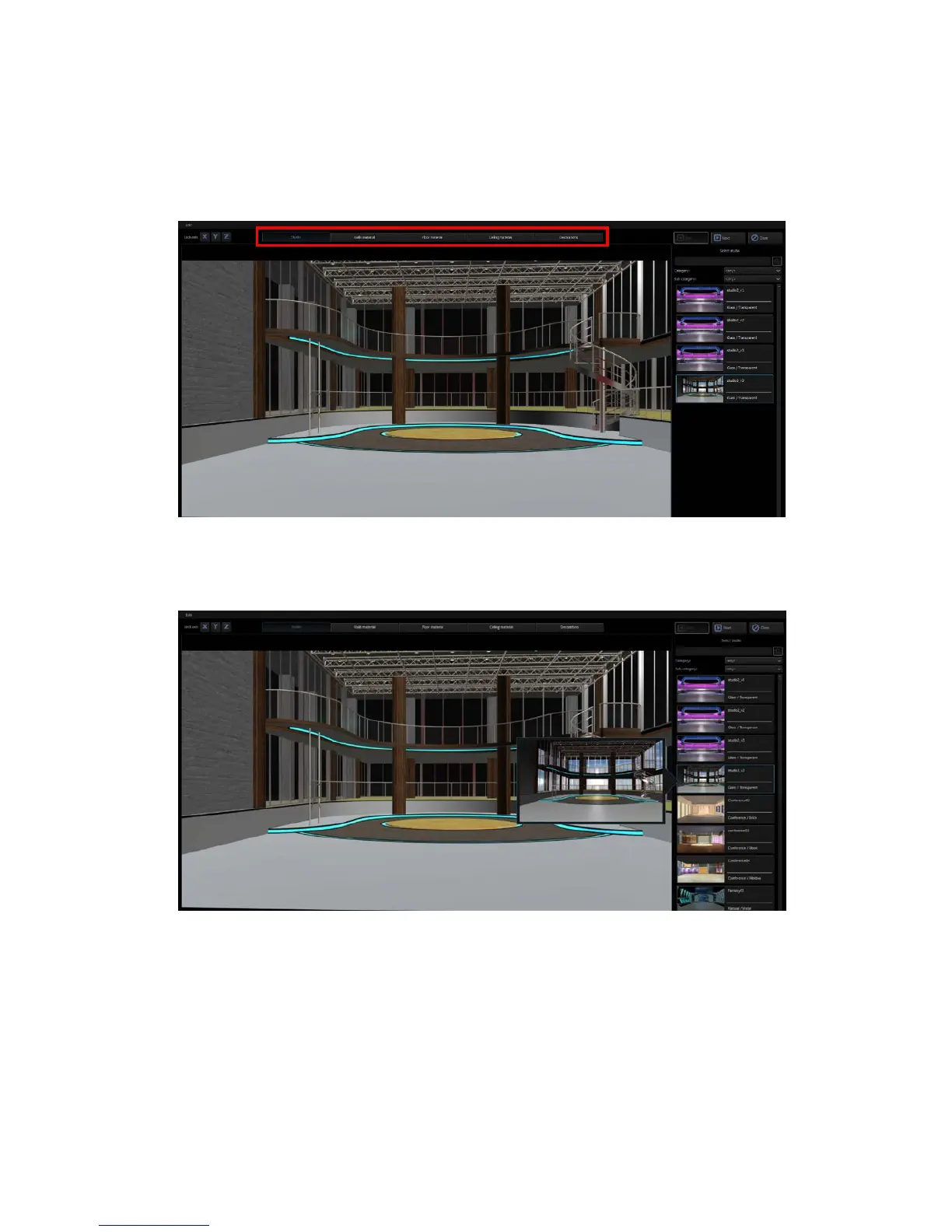
Scene Objects
This part is related to the templates on the right half of the screen. First select the area of
objects that you want to modify and then move the mouse cursor to the templates on the
right half of the screen to select the desired materials. The user is allowed to customize
materials for the scene, walls, the floor, the ceiling and other accessories, which form a unique
style of the scene.
After clicking the “Studio” tab, go to template area on the right to select your favorite 3D
Studio. As the mouse cursor is moved over the studio thumbnail, the system will automatically
activate the preview mode which allows the user to view the studio instantly.
There are several material templates that can be found in the right pane of the 3D Studio
Editor. The user will be allowed to select and apply the material template to the wall, floor,
and ceiling.



 To Next Page