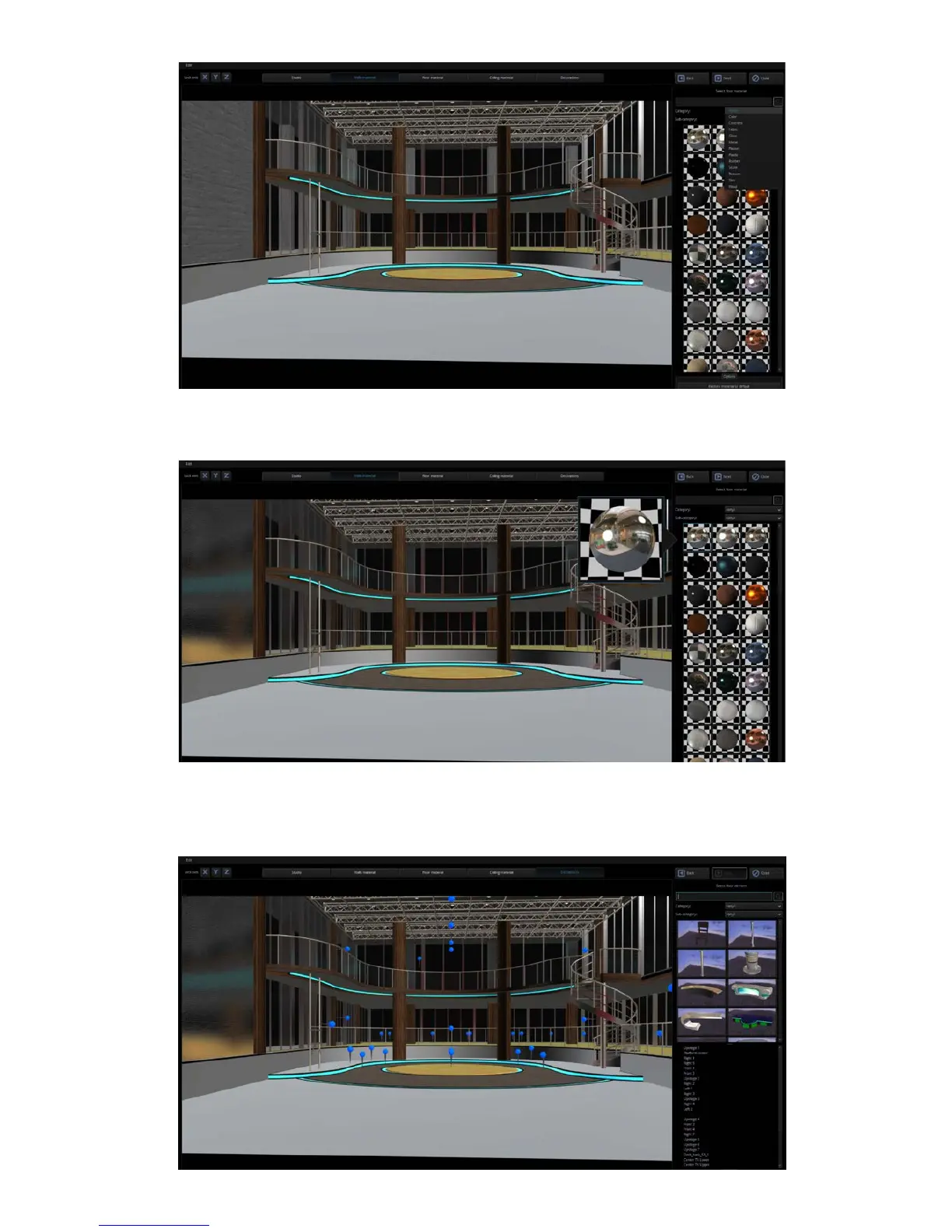
After clicking the “Wall” tab, click a reflective material in the right pane. Below is the resulting
effect after the reflective material is applied.
After clicking the “Decorations” tab, the user will be allowed to add accessory objects such as
table, chair, light, TV, podium and etc. In this way, the scene will not look empty. The added
accessories should meet the scene requirements of your video production.



 To Next Page