M7/M7L/M7LT Modular Satellite Modem Maintenance
M7/M7L/M7LT - Rev. 0.05 2-21
2.4. Adding or Changing the Interface Type
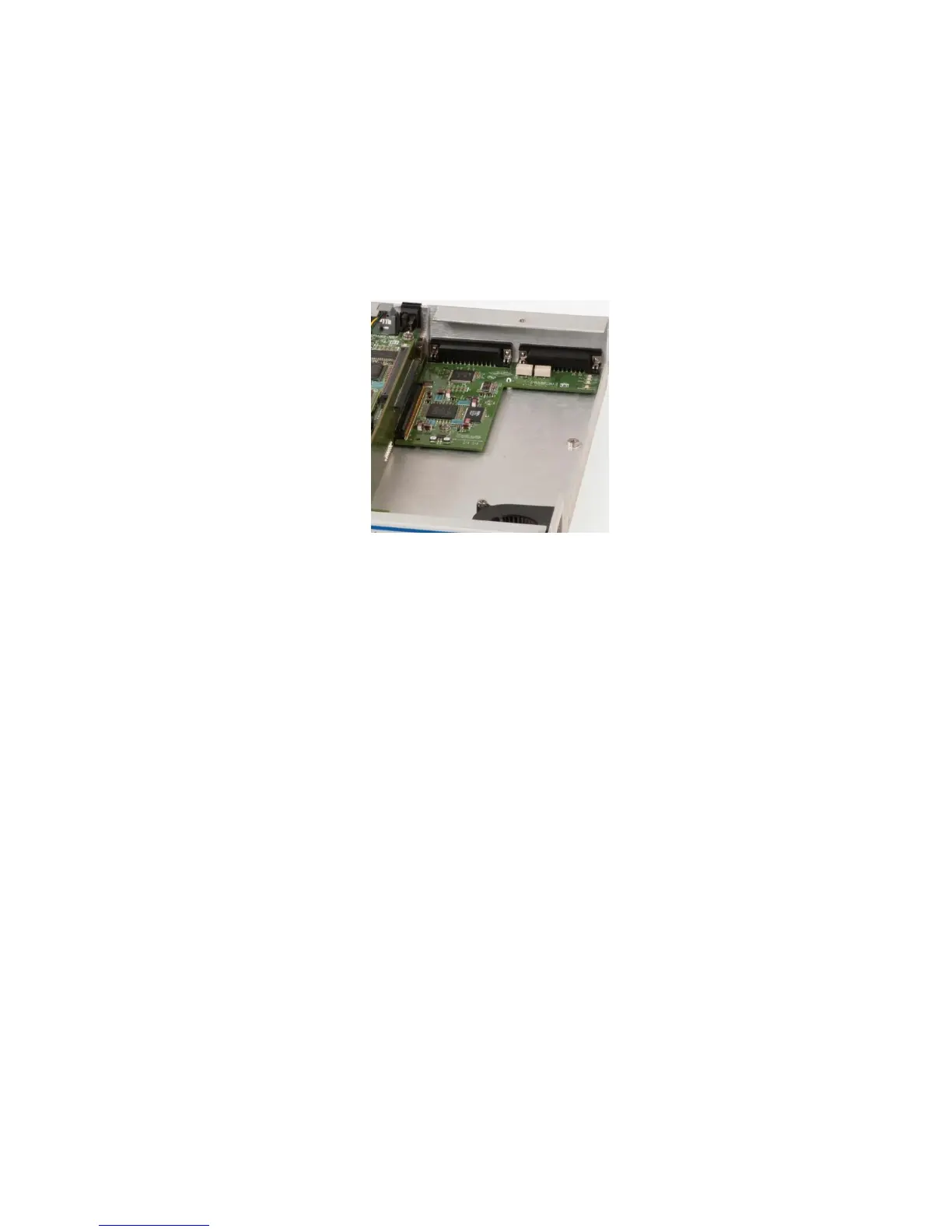
Up to two interface cards may be installed in a modem unit by removing the modem’s top cover
(Figure 2-14). First the interface option card rear panel plate is released from the chassis by removing
the Ext Ref In (J1) coaxial connector nut and washer. Second, remove any screws that hold the
interface card to the chassis. Remove the interface card by releasing the card from the connectors
on the interconnect board. If there are two (2) installed interfaces, the top card must be removed first
and installed last in the process.
Installation of the new interface(s) is done in the reverse order.
Figure 2-14 - Typical single interface card layout (Synchronous Serial Interface shown)
Once the new interface card is installed and the modem is powered-up, the main modem processor
will automatically query the new interface card and determine the type and options installed.
Most option interface cards completely co-exist with other interface types, allowing the optional
interface to represent one or more added interface types available. However, only one interface type
is allowed to be enabled at one time.
Installed interface card(s) are automatically recognized by the modem and an entry is added to the
Interface Option selection menu. Selection of the option interface then becomes identical to selection
of any of the standard interfaces.
2.5. Option Turbo Product Codes FEC Option Installation
The M7 demodulator contains on-board circuitry and connectors for adding a Turbo Product Codes
FEC Option Card. This card can co-exist with the IBS Multiplexer (and the Reed-Solomon function
also, but both cannot be used simultaneously).
Installation of these cards is not difficult, but requires removal of the modem from service and removal
of the unit’s cover, and should be accomplished only by a qualified technician. The modem
automatically recognizes the presence of the optional FEC card and provides additional front panel
and remote control parameter settings allowing control of the selected option.
NOTE: In some cases, when options are first introduced, a software update to the modems internal
program is necessary to allow use of the option. Refer to Section 0 - Updating Modem
Software. The Datum Systems M7 Update program will also recognize and install software
for FEC cards present in the modem.



 To Next Page