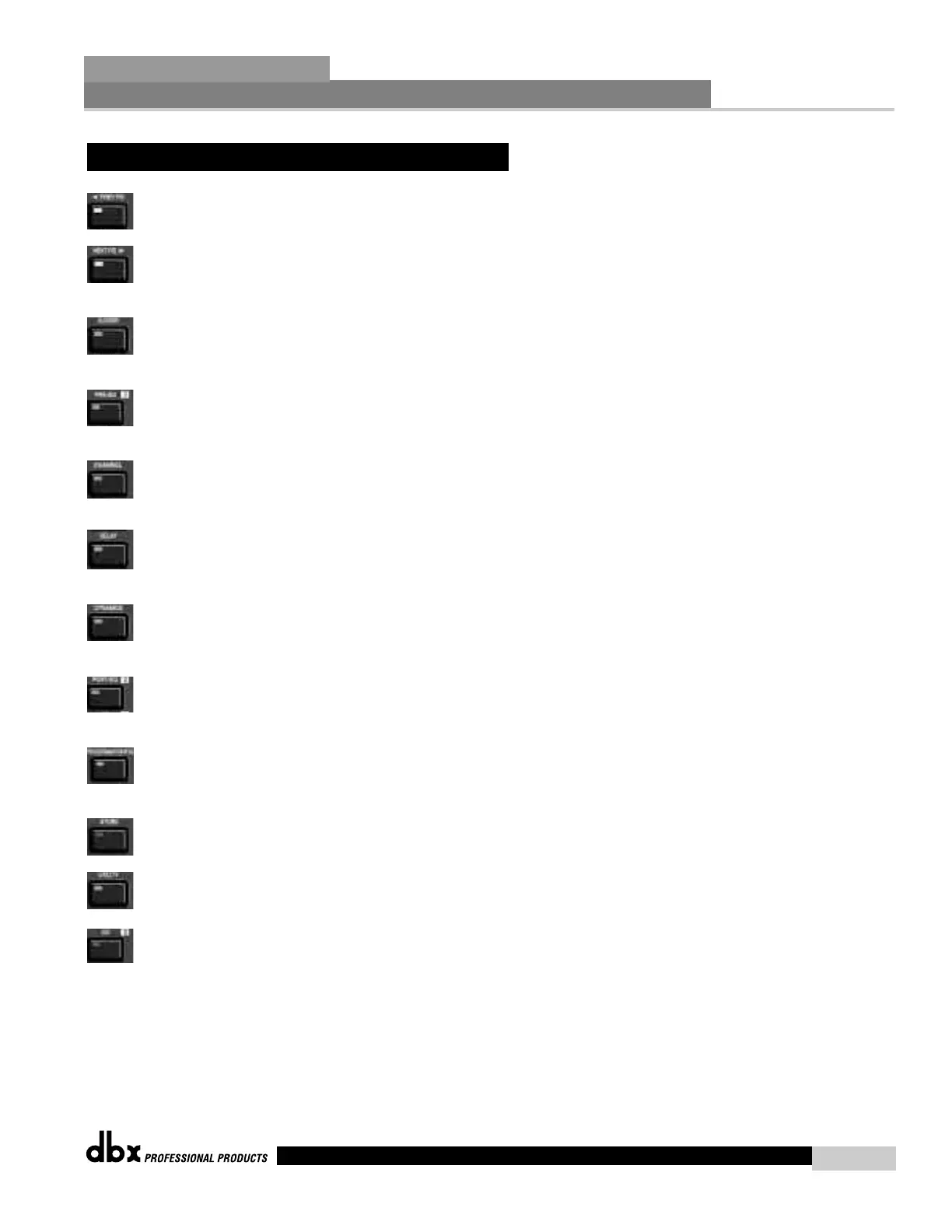
PREVIOUS PAGE - Moves to the previous page in the currently selected effect menu.
NEXT PAGE - Moves to the next page in the currently selected effect menu.
XOVER - Selects the Crossover menu. Successive presses will toggle between the var-
ious crossovers.
PRE-EQ - Selects the Pre-EQ effect menu. This is the EQ section located prior to the
crossover section. Successive presses will rotate through the various pre crossover EQ
modules.
CHANNEL - When you are in edit mode of a selected effect module page, succes-
sive press of the channel button will automatically move you to the same parameter of
the same effect in the next channel.
DELAY - Selects the DELAY effect menu. Successive presses will toggle between the
various delay modules.
DYNAMICS - Selects the Compressor/Limiter effect menu. Successive presses will
move through the dynamics modules.
POST-EQ - Selects the Post-EQ effect menu. This is the EQ section after the
crossover section. Successive presses will move through the various EQ modules locat-
ed within any one of the four output paths.
PROGRAM/CONFIG - This button will load a selected program, loads the Program
mode, enters the Configuration edit mode when pressed and held or will return you to
main menu from any subsection within the unit.
STORE - The STORE button is used to store program edits.
UTILITY - Selects the Utility edit menu of the 240 DriveRack.
1/O - Selects the various input and output modules used in the currently selected pro
gram The I/O button also provides access to the output Phase adjustments. Successive
presses of this button will toggle between the two inputs and four outputs of the 240.
2.2 FX Button Array Overview (cont.)
Editing Functions
Section 2
DriveRack
™
7
DriveRack™ User Manual



 To Next Page