DriveRack™ User Manual
Once security levels have been assigned to the various modules and functions, you can
now proceed to set your operating security password. This Password (High or Med) will
prevent any unwanted users from manipulating operating parameters and functions of mod-
ules within the DriveRack™ units.
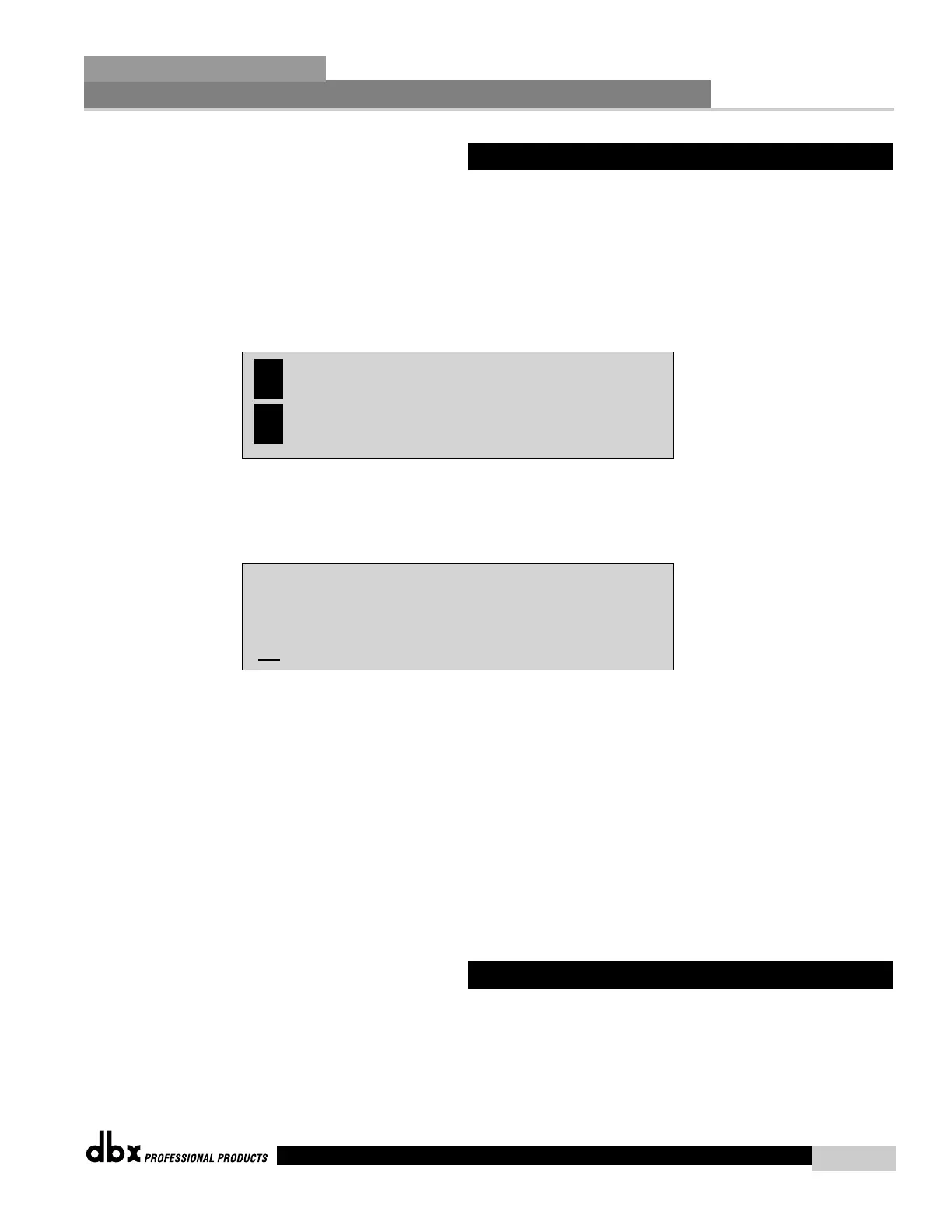
• To set the password, move to the page of the Utility menu that appears as follows:
• To create a security password for either the High or Med, press the PRE-EQ/1 (MED) or
POST-EQ/2 (HIGH) button. Once the desired level to edit has been selected, the dis-
play will appear as follows:
• Rotating the DATA wheel will change the icons on the currently selected position.
• Pressing the DATA wheel will toggle between upper and lowercase letters, number
and symbols.
• Use the PREV PG and NEXT PG button to move icon positions.
• Once the desired title has been written, press the STORE button and the display
will now briefly read: PASSWORD CHANGED
• You will now need to set the security level (high, Med or Low) clearance before
returning to program mode.
Since the security system has three levels (high, med and low), there can be three different lev-
els of users accessing the unit. The high security password user can change/lockout all mod-
ules and users, while the medium security password user has access to limited modules and
functions and the user with low access will not have access to any modules with security set-
tings with a security clearance high or medium. The following information walks you through
the procedure for entering your password.
5.3 Entering Security Password



 To Next Page