®
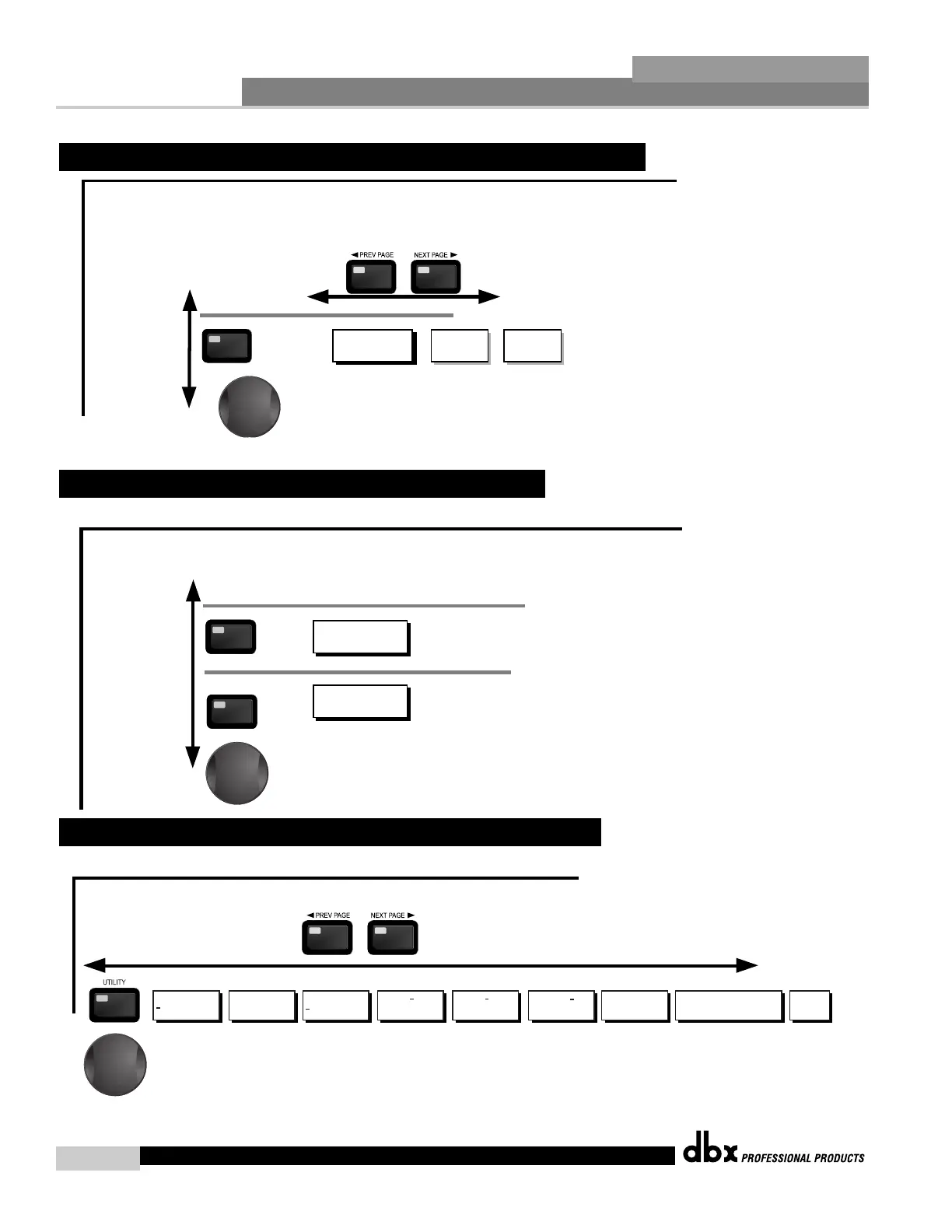
Navigate through the Pages by pressing the "Next Page" or "Prev Page" buttons successively until arriving at the desired Page.
Pressing the Data Wheel will select the parameter to be edited.
Limiter
Security
Program Change
Limiter
1 Edit Med
2 Edit High
Limiter
Set Clearance
High
Limiter
Prg Chg Normal
List Size
Limiter
Index 0
Program 5
Limiter
Contrast 53%
PUP Mute All
Limiter
Latch
Definition
Limiter
Load Stored
Limiter
Switch Closure 1-4
Moment/Latch
Function - Program Up/Down or Mute
Successive presses of the Data wheel will select
effect parameters within the currently selected page.
2.9 Navigating the Utility Section
The I/O button
toggles through
the Input and
Output modules used
in each channel of
the selected
program.
I/O
I/O
MGain - - to 20.0dB
Ch1 - - to 20.0dB
Ch2 - - to 20.0dB
I/O
I/O
Adjust On/Off
Gain - - to 20.0dB
Phase - -360 to 0
Input Channels 1-2
Output Channels 1-4
To edit the parameters of the Input and Ouptuts used in a selected program, simply use the following procedure. From program mode,
either press the I/O button. Successive presses will move through each of the Input and Output editing modules.
Pressing the Data Wheel will select the effect parameter to be edited.
Successive presses of the Data wheel will select
effect parameters within the currently selected page.
2.8 Navigating the I/O Section
The DYNAMICS button
toggles through
the Dynamics
modules used in
each channel of
the selected
program.
DYNAMICS
Dynamics On/Off
Compressor/Limiter
Over Easy Off, 1-10
DYNAMICS
Compressor
Threshold
Ratio
Gain
Limiter
Threshold
PeakStop+ 1-6
Dynamics (Compressor/Limiter)
To edit the parameters of the Dynamics module used in a selected program, simply use the following procedure. From program mode,
press the X-OVER button to move to the Dynamics module. Once you have reached the Crossover module,
successive presses of DYNAMICS button will move through each channel that utilizes a Dynamics module. Navigate through the Pages of the
selected Dynamics module by pressing the "Next Page" or "Prev Page" buttons successively until you arrive at the desired Page.
Successive presses of the Data wheel will select
effect parameters within the currently selected page.
2.7 Navigating the Dynamics Section
DriveRack™ User Manual



 To Next Page