Configuring the DriveRack™
Section 3
DriveRack
™
15
DriveRack™ User Manual
User Configuration creation is an ideal feature available in the DriveRack™ line. Even with the
versatility of the Factory configurations within the DriveRack™, there may be an application that
requires a unique “custom” program configuration. The DriveRack™ gives you the ability to
create a custom routing configuration by selecting and modifying the modules including: Inputs,
pre-crossover EQ, Pre-Delay, Crossovers, Post-crossover Parametric EQ, Dynamics, Post Delay,
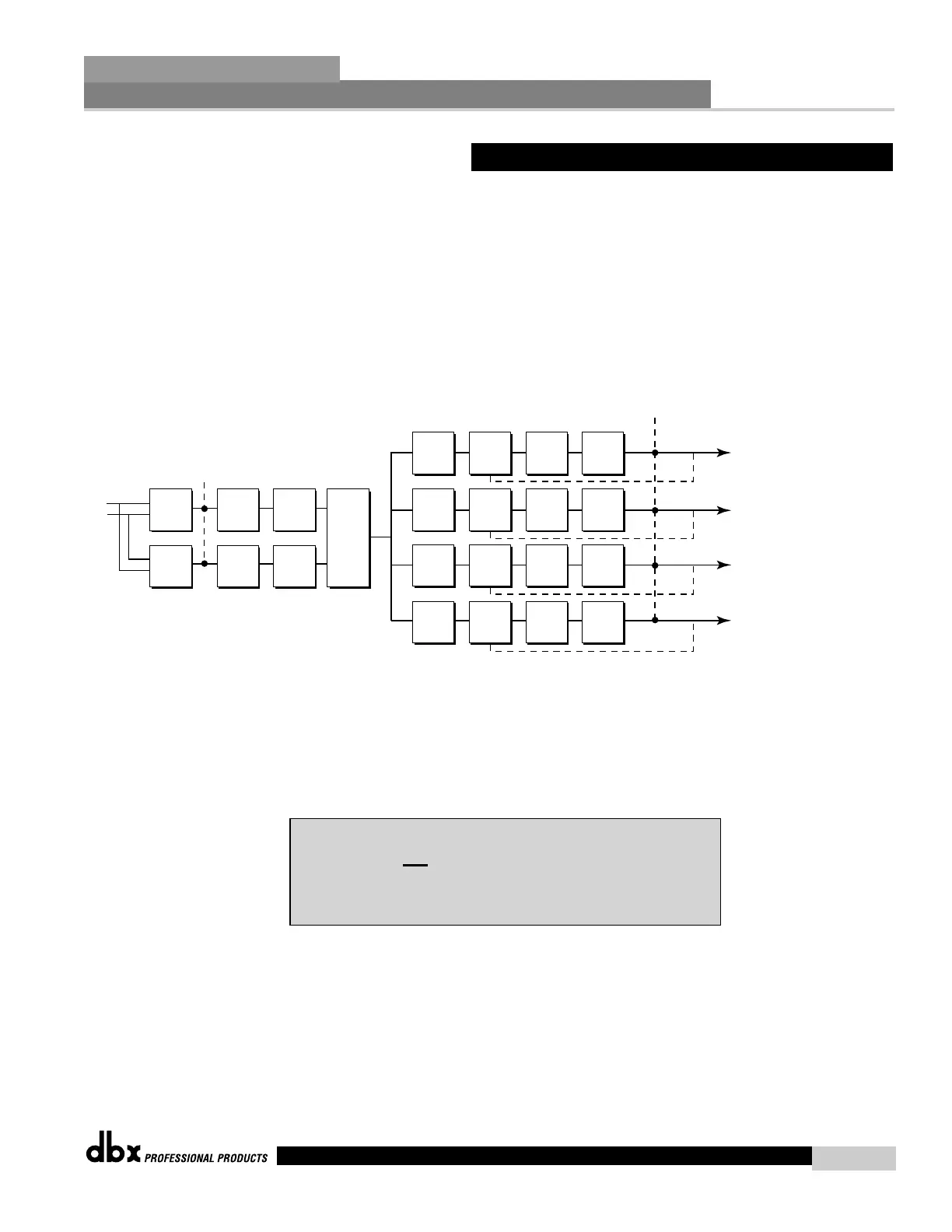
Output Gain and Phase. The following information contain a standard block diagram of the
signal path in the 240 and 241 DriveRack units which can be used as a reference map, as well
as step-by-step instructions for creating custom user configurations.
240/241 Signal Path
• From Program mode, press and hold the PROGRAM/CONFIG button until the dis-
play briefly reads: CONFIGURATION
• At this point, you will be entered into configuration mode at the Pre-Crossover EQ
section, and the display will now appear as follows:
Note: If you wish to abort the configuration at any time, simply press the PROGRAM button.
Edits will not be saved and you will be returned to the last saved program.
• Note that the underscore indicates the currently selected parameter for editing. To select parameters to edit
from the current page, simply press the DATA wheel until the underscore is under the module that you
wish to edit.
From this page, you can either select the 31-Band Graphic (GEQ) or the 9-Band Parametric (PEQ). Pressing



 To Next Page