Note Make sure that all outputs are muted on the DriveRack™ prior to adding power to any
devices in the signal path (pre and post DriveRack™).
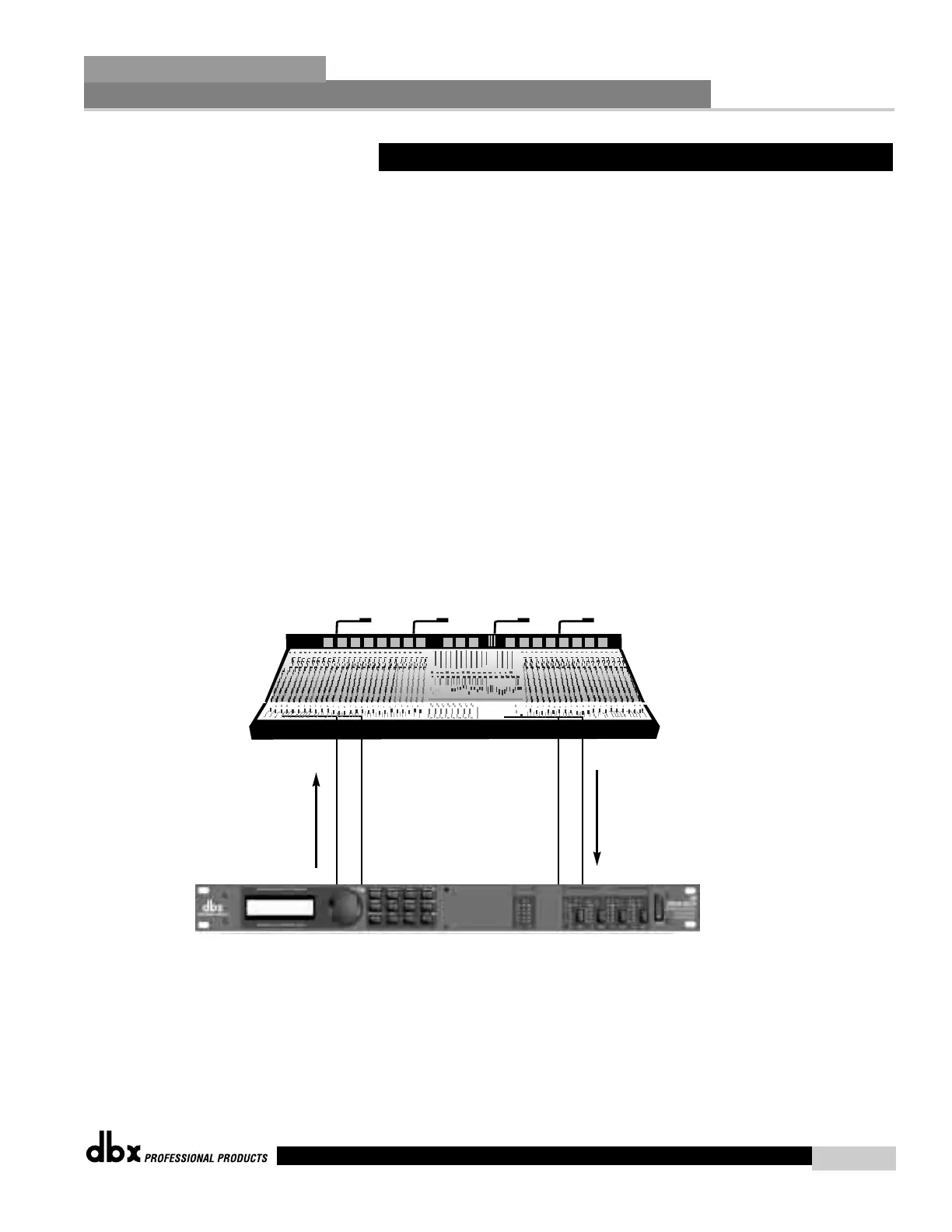
1. Connect the send of the channel or output to the input of the 240/241.
2. Connect the output of the 240/241 to the return of the mixer..
3. Making sure that all outputs are muted, apply power to the mixer and amplifiers.
Software
1. From Program mode, select factory program 28 or 29 as a template.
2. From program mode, edit EQs, Compressors/Limiters to the specific application require-
ments.
7.6 - Programmable Insert EQ
Application Guide
Section 7
DriveRack
™
47
DriveRack™ User Manual



 To Next Page