Detailed Parameters
Section 4
DriveRack
™
21
DriveRack™ User Manual
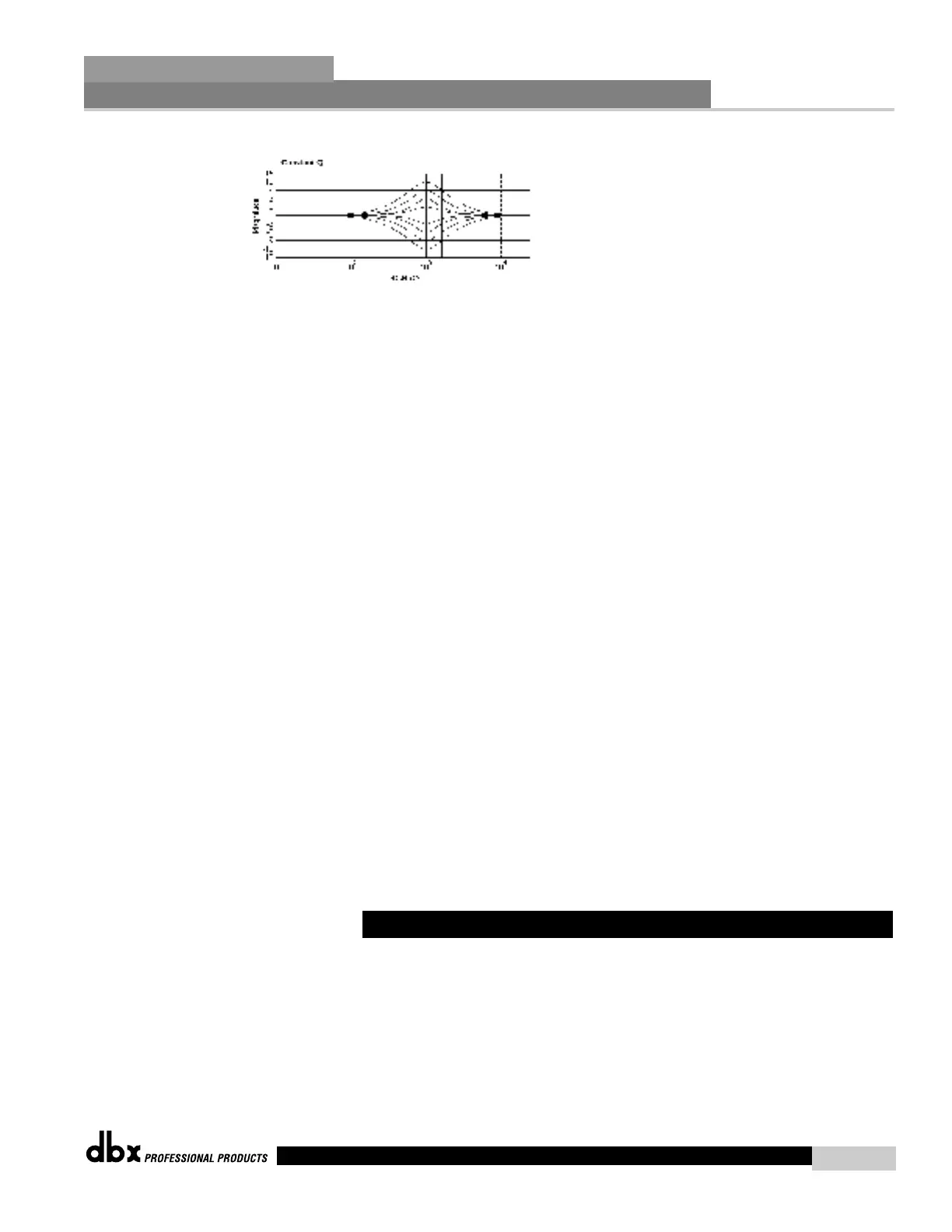
The following figure shows the constant Q parametric filter.
Flatten/Restore
This parameter either flattens or restores all bands to the last saved settings.
Band 1 Frequency 20 to 20kHz (Low Shelf)
Selects the frequency of the low pass shelf parametric EQ.
Slope 1 3-12dB/Octave
Sets the slope of the low shelf parametric EQ.
Level 1 -12 to 12 dB
Sets the overall gain of the shelf EQ.
Band (2-8) Frequency 20 to 20k
Selects the frequency of the selected band of the parametric EQ.
Q (2-8) 0.20 to 16.0
Adjusts the Q of the selected band of the parametric EQ.
Level (2-8) -12 to 12 dB
Sets the overall level of the selected parametric EQ frequency.
Band 9 Frequency 20 to 20k (High Shelf)
Selects the frequency of the high shelf parametric EQ.
Slope 9 3-12dB/Octave
Sets the slope of the high shelf parametric EQ.
Level 9 -12 to 12 dB
Sets the overall gain of the high shelf parametric EQ.
Each input channel of the 240 and 241 DriveRack™ units offer a room channel delay effect.
The channel delay effect can be used to compensate signal delay, which results from distance
separation of loudspeakers.
Delay On/Off
Turns the delay on and off.
4.4 Pre Crossover Delay (DLY)



 To Next Page