DriveRack™ User Manual
56
Appendix A
DriveRack
™
The 240 and 241 DriveRack™ units offer you the option of changing the input gain level settings. There are 3 hardware
configurable gain settings. They are: +14 dBu, +22 dBu and +30 dBu. For these cases, use the following procedure
to change the gain level settings. Please be advised however, that once the gain level has been changed from the fac-
tory settings, the output meters will no longer be calibrated correctly.
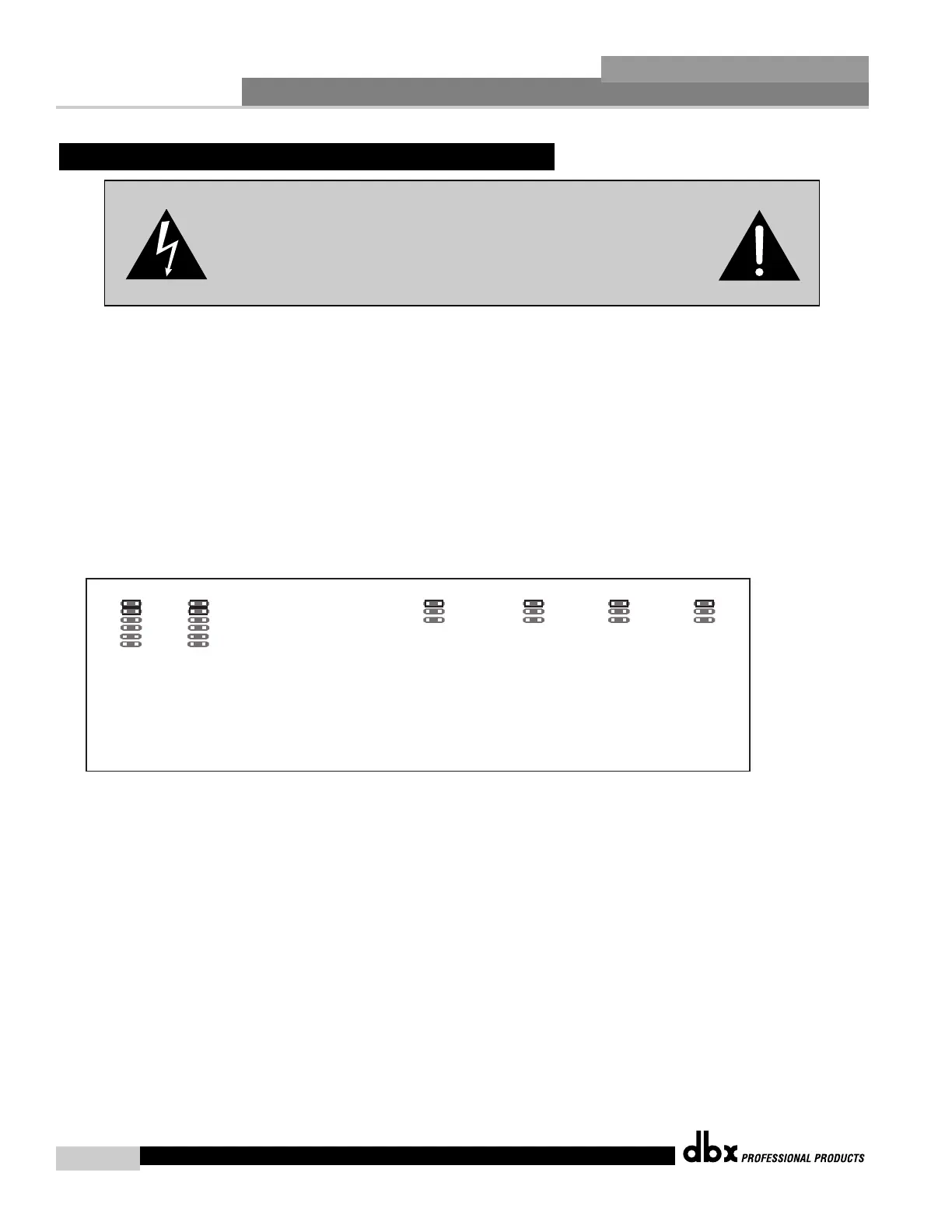
To change the gain level, move the jumpers to the pins that are marked with the desired gain setting
1) First, make sure that the unit has been shut off and unplugged prior to opening the unit.
2) Ground yourself prior to opening the DriveRack™ chassis to prevent ESD damage.
3) Open the chassis by removing five screws on each side of the chassis and the top two center screws on the rear panel,
as well as the top center allen screw located on the front panel
4) Locate the jumper block shown in the illustration below:
5) Set the jumpers to the desired input and output gain settings.
6) Once the desired settings have been made, replace the chassis lid.



 To Next Page