DriveRack™ User Manual
• There are several options for assigning functionality to these selected switches and
are as follows: SYSTEM MUTE: Mutes or unmutes all outputs with sequential press-
es. PROGRAM UP: Advances up and loads one program at a time each time it is
pressed. Multiple presses will automatically move to program specified by the num-
ber of presses. PROGRAM DOWN: Moves up and loads one program at a time
each time it is pressed. Multiple presses will automatically move to program speci-
fied by the number of presses PROGRAM NUMBER: The assigned program num-
ber will load when switch is pressed. IGNORE: Unit will not respond to keypress.
• If you are utilizing the Latch feature of the unit, press the NEXT PG button to move
to the next page which will appear something like this:
• Once you have selected the program that you wish to add latching functionality to,
press the DATA wheel until Latch is selected for editing. You can move through the
options available for latch set up (ie: OFF On OFF On) indicates that when con-
nected to a toggle switch (such as a light switch), the program will be turned on/off
respectively. Off= open switch. There are 16 different combinations that can be
selected using 4 switches.
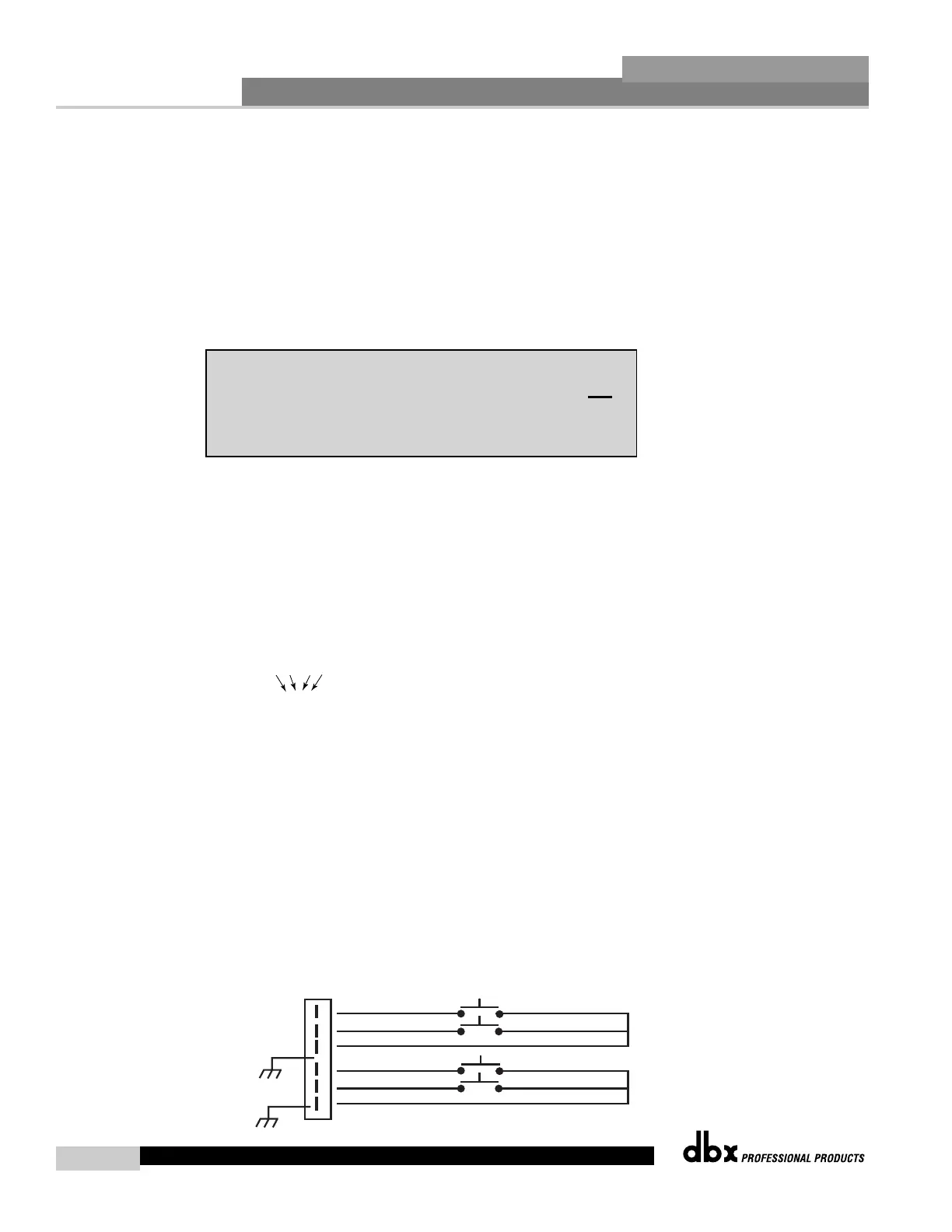
The diagram on the following page indicates the 16 different combinations for
latching program setups.
Latching Combinations
0000 - ex: Program 1 1001
1=Switch Closed 0=Switch open
0001
sw.
1
sw.
2
sw.
3
sw.
4
1001
0010 1010
0011 1011
0100 1100
0101 1101
0111 1111 - ex: Program 16
1000
Note: If Switch 2 is selected as a latch, Switch 1 will automatically be set as a latch.
The same affect will apply to Switches 1, 2 and 3 when switches 3 and 4
are selected respectively.



 To Next Page