6 Base Cover
Removing The Base Cover
1. Follow the procedures in Before Working On Your Computer.
2. Remove the battery.
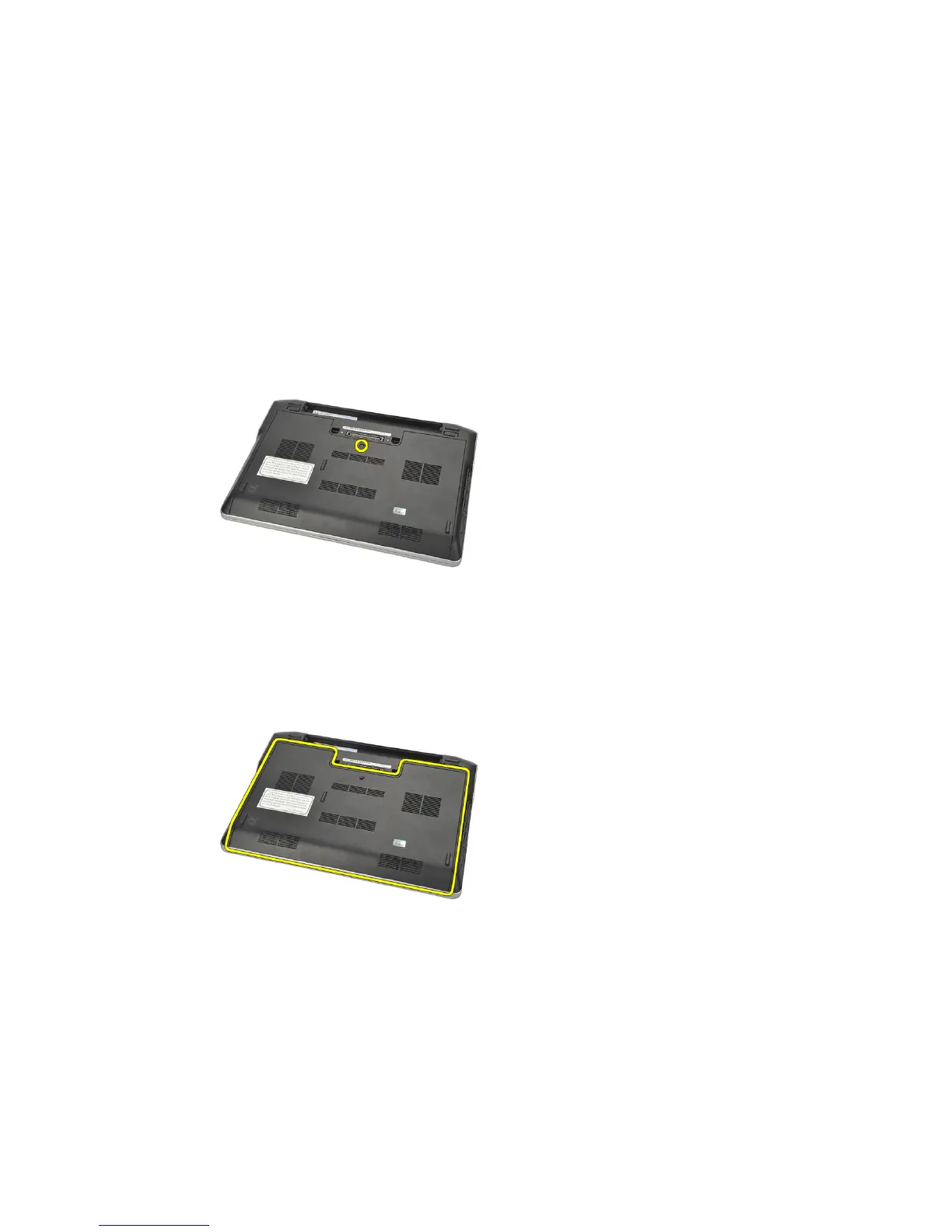
3. Loosen the captive screw that secures the base cover to the computer.
4. Slide the base cover towards the back of the computer and remove it.
NOTE: To lift up and remove the base cover easily from the computer ensure that
you first slide the base cover towards the back of the computer.
Installing The Base Cover
1. Align in position the edge of the base cover onto the computer and slide
it on the computer.
2. Tighten the screw to secure the base cover to the computer.
21















 To Next Page