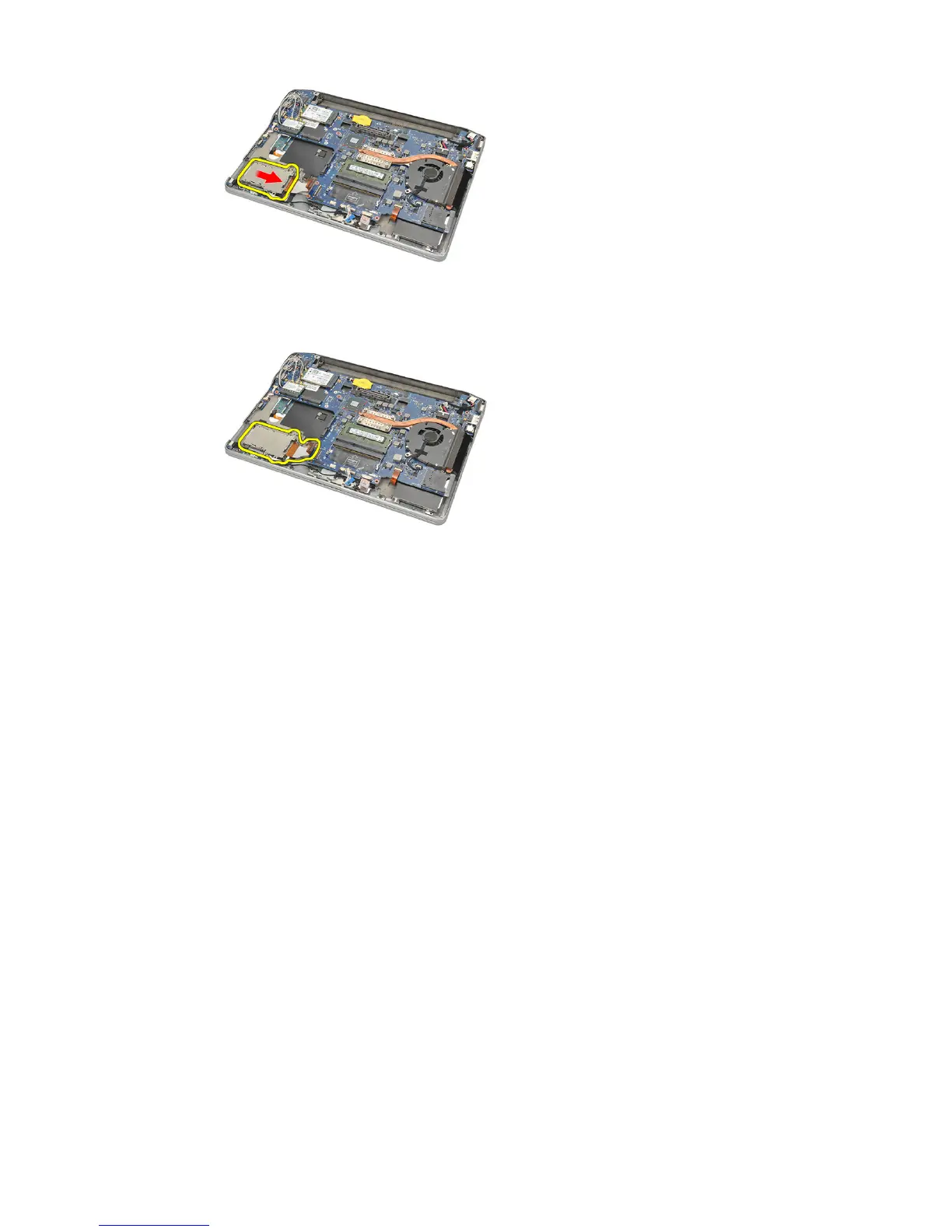
12. Lift up and remove the ExpressCard cage from the computer.
Installing The ExpressCard Cage
1. Slide the ExpressCard cage in place.
2. Tighten the screws to secure the ExpressCard cage.
3. Connect the flex cable to the system board.
4. Install the bottom chassis.
5. Install the speakers.
6. Install the bluetooth module.
7. Install the hard drive.
8. Install the base cover.
9. Install the battery.
10. Install the secure digital (SD) Card.
11. Follow the procedures in After Working Inside Your Computer.
60















 To Next Page