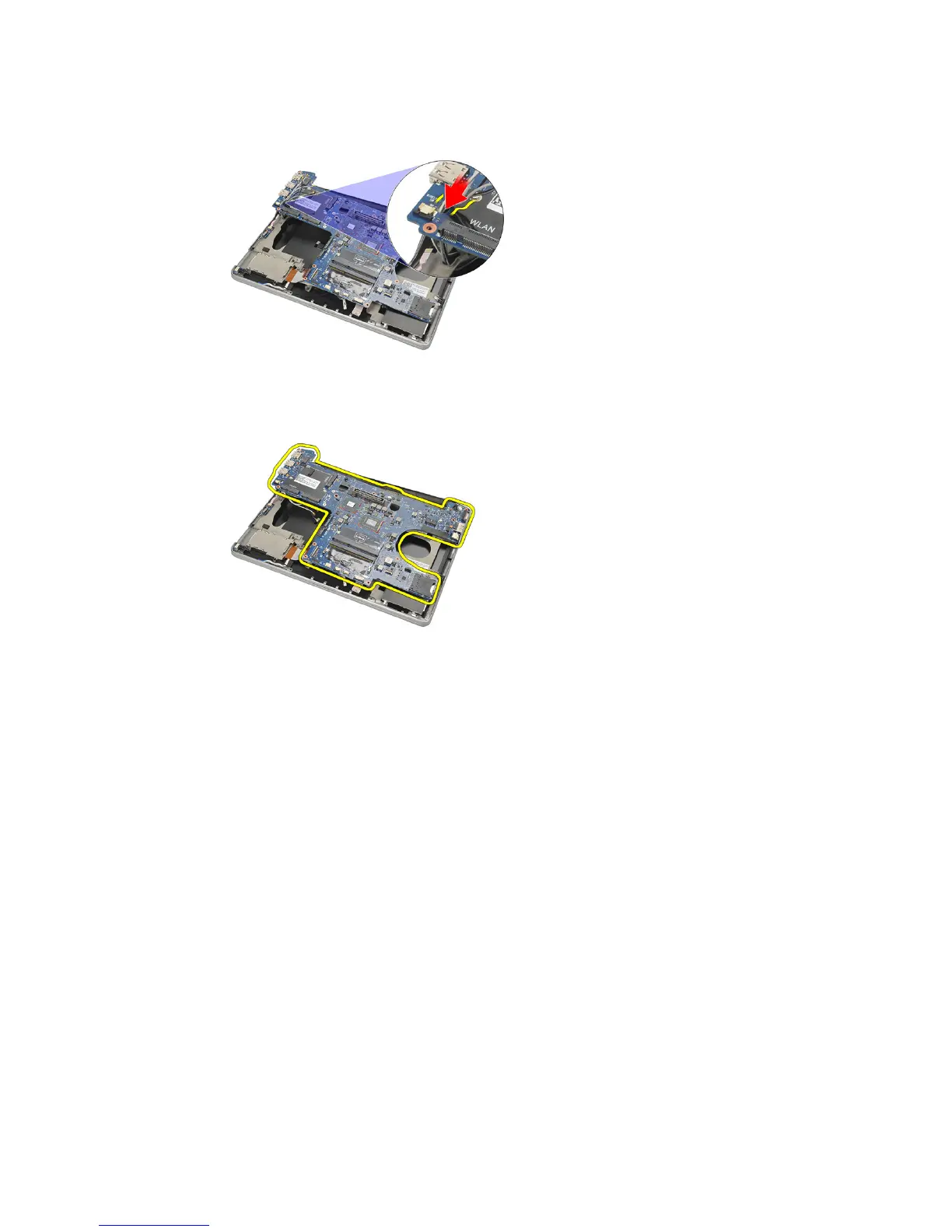
23. Lift up the right side of the system board along with the USB and
HDMI connectors and pull out the wireless antenna cables from the
opening in the system board.
24. Slide out the left side connectors from their apertures and remove the
system board.
Installing The System Board
1. Insert the wireless antenna cables through the system board opening.
2. Align the system board properly, with the eSATA, USB, headphone/
microphone, and VGA port connectors fitting into the apertures.
NOTE: The left and right connectors should fit properly. If not, re-adjust the system
board position to align them.
3. Tighten the screws securing the system board in place.
4. Connect the following cables to the system board:
• express card
63















 To Next Page