9 M-SATA Hard Drive
Removing The M-SATA Hard Drive
1. Follow the procedures in Before Working On Your Computer.
2. Remove the battery.
3. Remove the base cover.
4. Remove the hard drive.
NOTE: If you need to remove the M-SATA hard drive to subsequently remove any
other part in the computer, then do not remove the hard drive bracket and the SATA
interposer.
NOTE: The Latitude E6220 offers the SATA or M-SATA hard drive.
NOTE: The SATA interposer must be removed and installed while removing and
installing the M-SATA hard drive
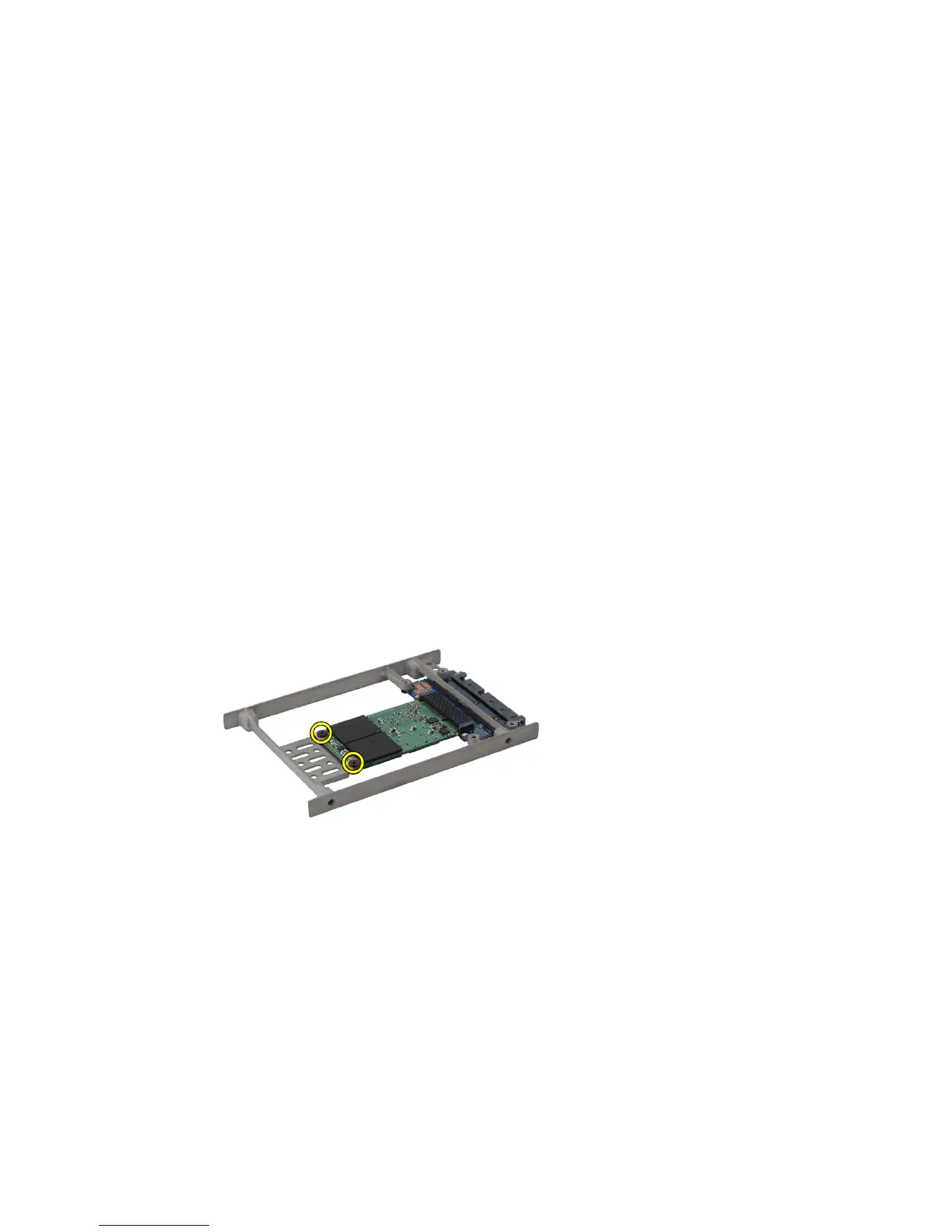
5. Remove the screws that secure the Solid State Drive (SSD) in place.
6. Remove the SSD.
29















 To Next Page