26 Display Bezel
Removing The Display Bezel
1. Follow the procedures in Before Working On Your Computer.
2. Remove the battery.
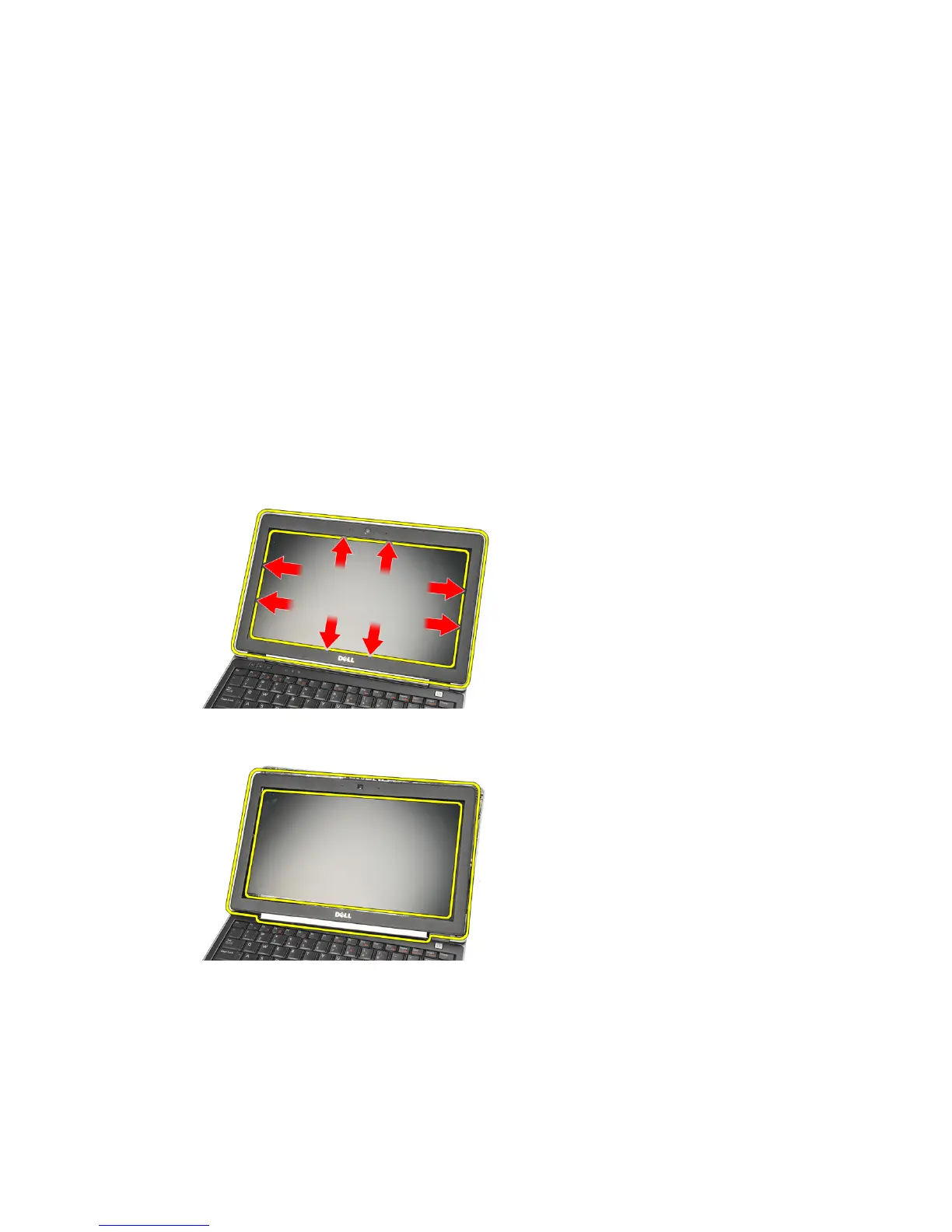
3. Using a plastic scribe, pry from the top left corner of the display bezel.
Slide the plastic scribe along the top side of the bezel before moving left
to release all the snaps.
NOTE: The bottom of the bezel is firmly attached with snaps and adhesive tape, thus
the technician needs to be careful when separating the bottom of the display bezel
from the display assembly.
4. Remove the display bezel.
71















 To Next Page