27 Display Panel
Removing The Display Panel
1. Follow the procedures in Before Working On Your Computer.
2. Remove the battery.
3. Remove the display bezel.
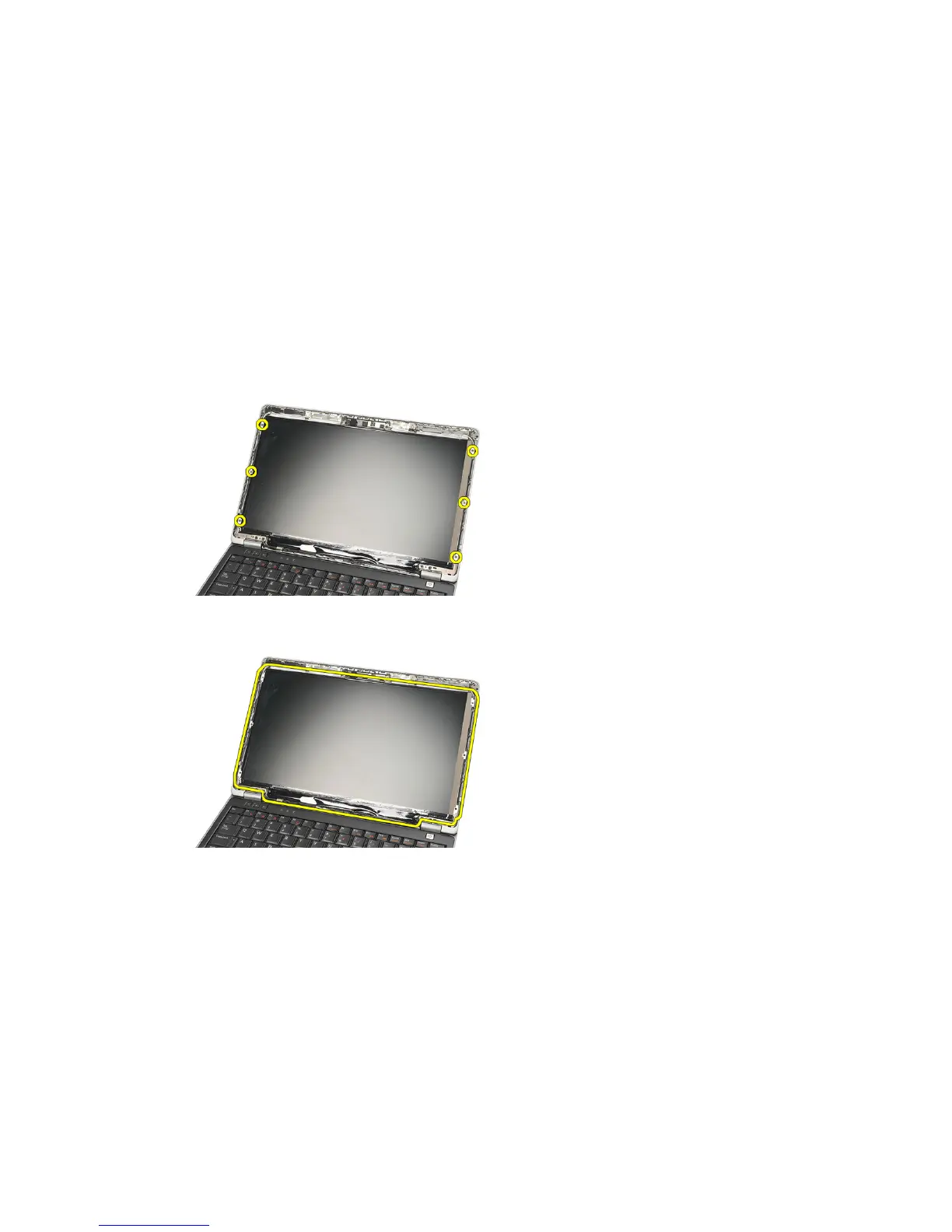
4. Remove the screws from the display panel.
5. Rotate the display panel over to the keyboard.
6. Peel of the adhesive tape that secures the Low Voltage Differential
Signalling (LVDS) connection to the display panel.
73















 To Next Page