30 Display Hinges
Removing The Display Hinges
1. Follow the procedures in Before Working On Your Computer.
2. Remove the battery.
3. Remove the base cover.
4. Remove the palm rest.
5. Remove the keyboard.
6. Remove the display assembly.
7. Remove the display bezel.
8. Remove the display panel.
9. Remove the screws that secure the hinge.
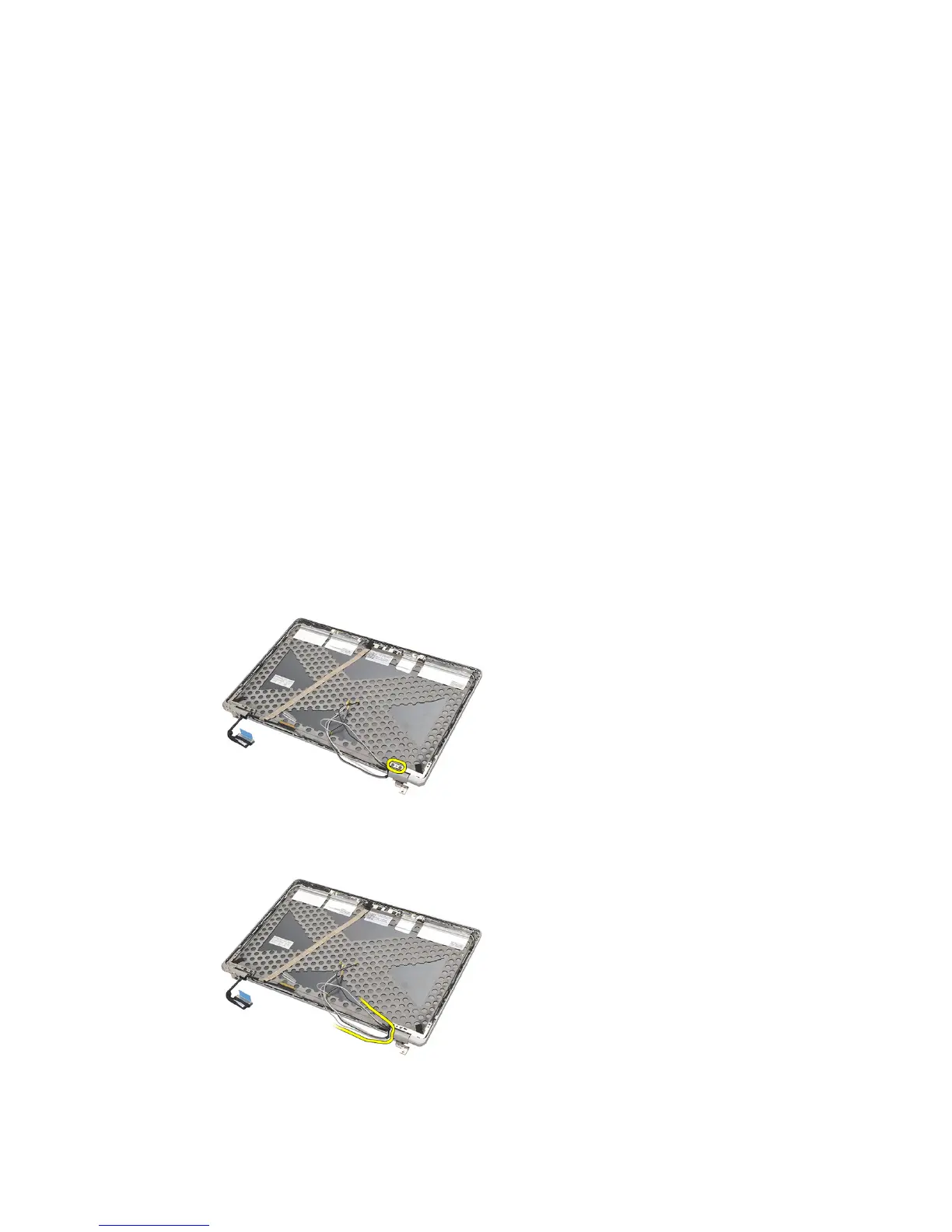
10. Release the wireless cable from within the hinge cap.
11. Rotate the hinge sideways until it is free.
79















 To Next Page