7 Memory
Removing The Memory
1. Follow the procedures in Before Working On Your Computer.
2. Remove the battery.
3. Remove the base cover.
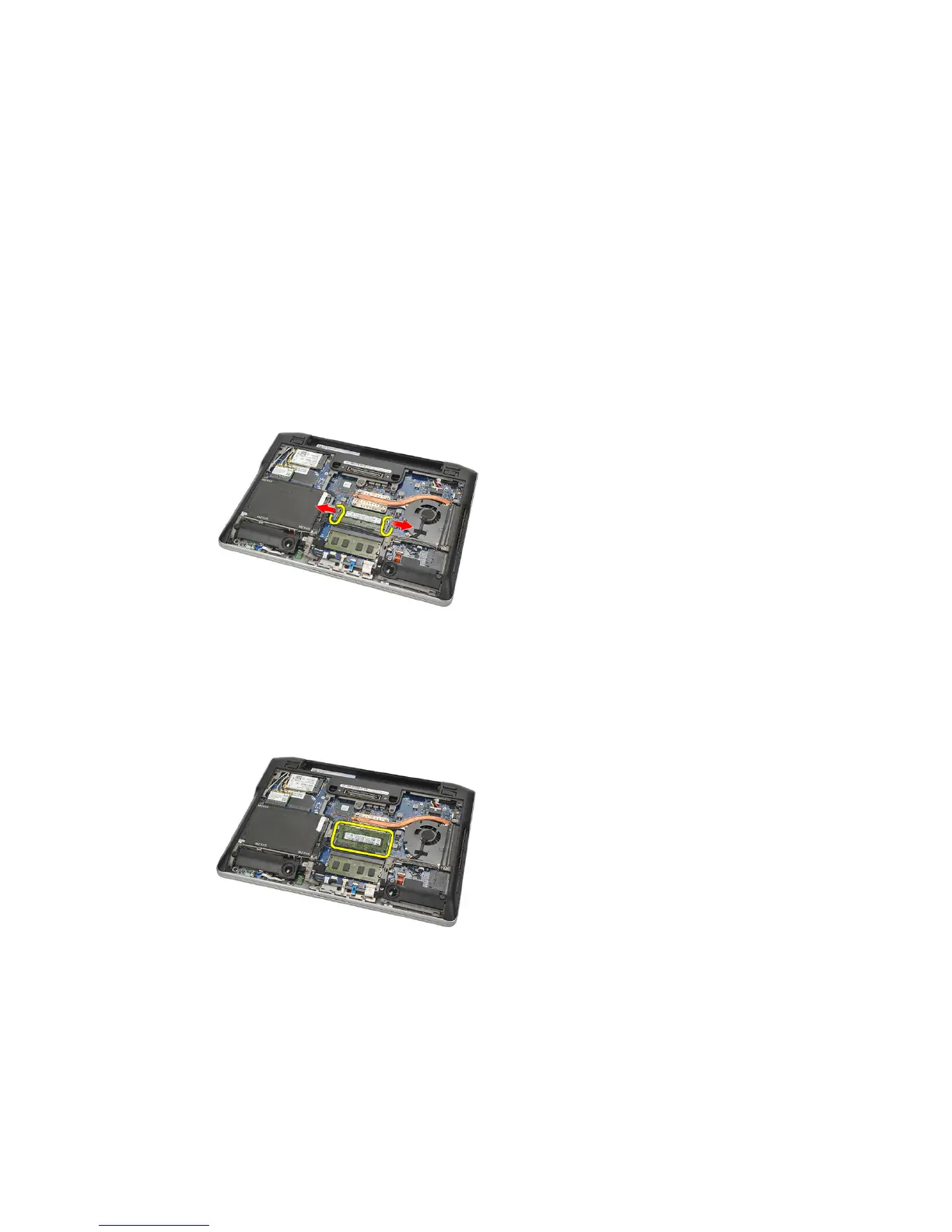
4. Pry apart the retention clips securing each end of the memory module
connector until the memory module pops up.
5. Remove the memory.
NOTE: DIMM A slot is the closest to the processor. If there is another memory
installed in the DIMM B slot, repeat step 4 and 5.
23















 To Next Page