25 Display Assembly
Removing The Display Assembly
1. Follow the procedures in Before Working On Your Computer.
2. Remove the battery.
3. Remove the base cover.
4. Remove the palm rest.
5. Remove the keyboard.
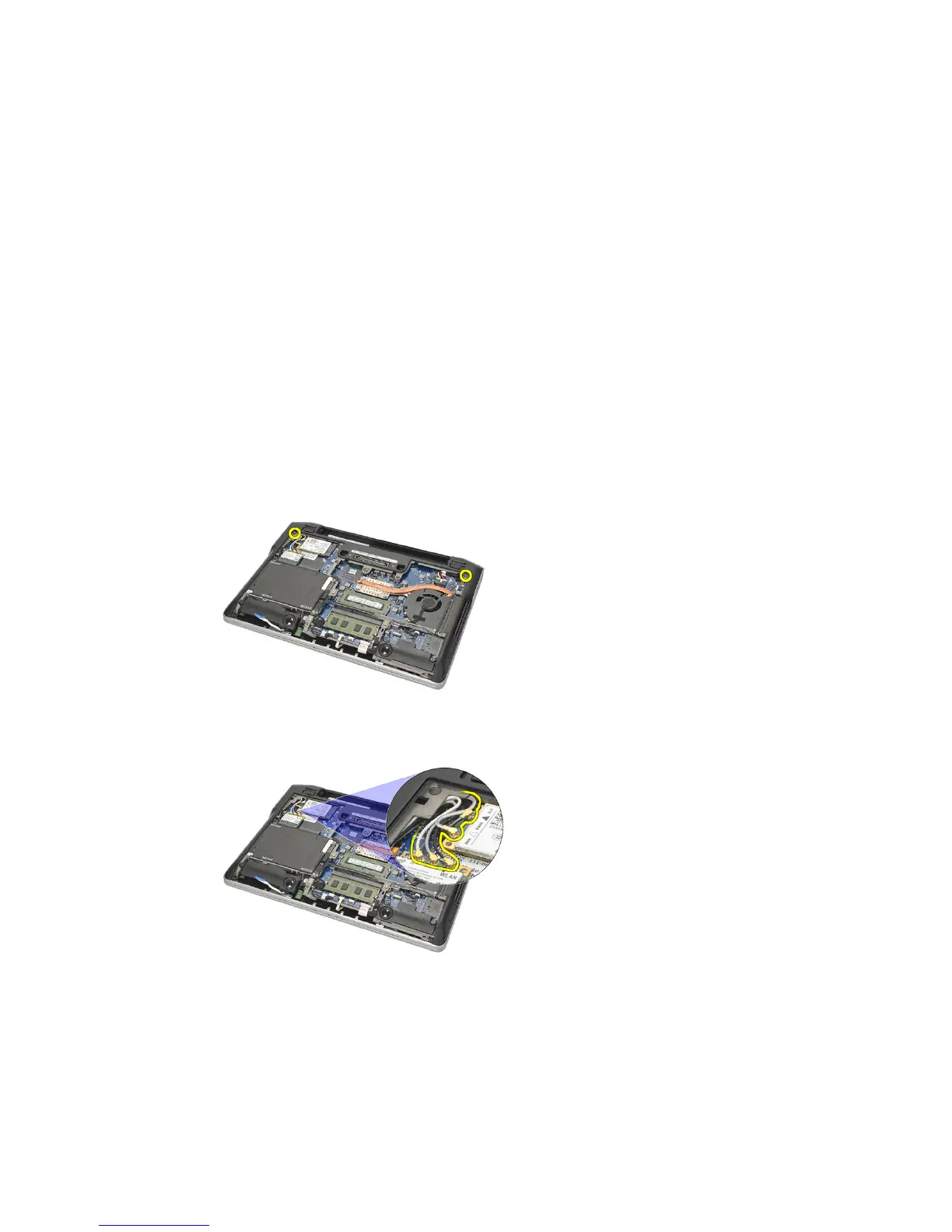
6. Remove the screws from the bottom chassis.
7. Disconnect all the wireless antenna cables.
8. Turn over the computer and lift it up slightly. Pull out the wireless
antenna cables from the opening in the computer and unthread them
from the holder.
67















 To Next Page