13 Palm Rest
Removing The Palm Rest
1. Follow the procedures in Before Working On Your Computer.
2. Remove the battery.
3. Remove the base cover.
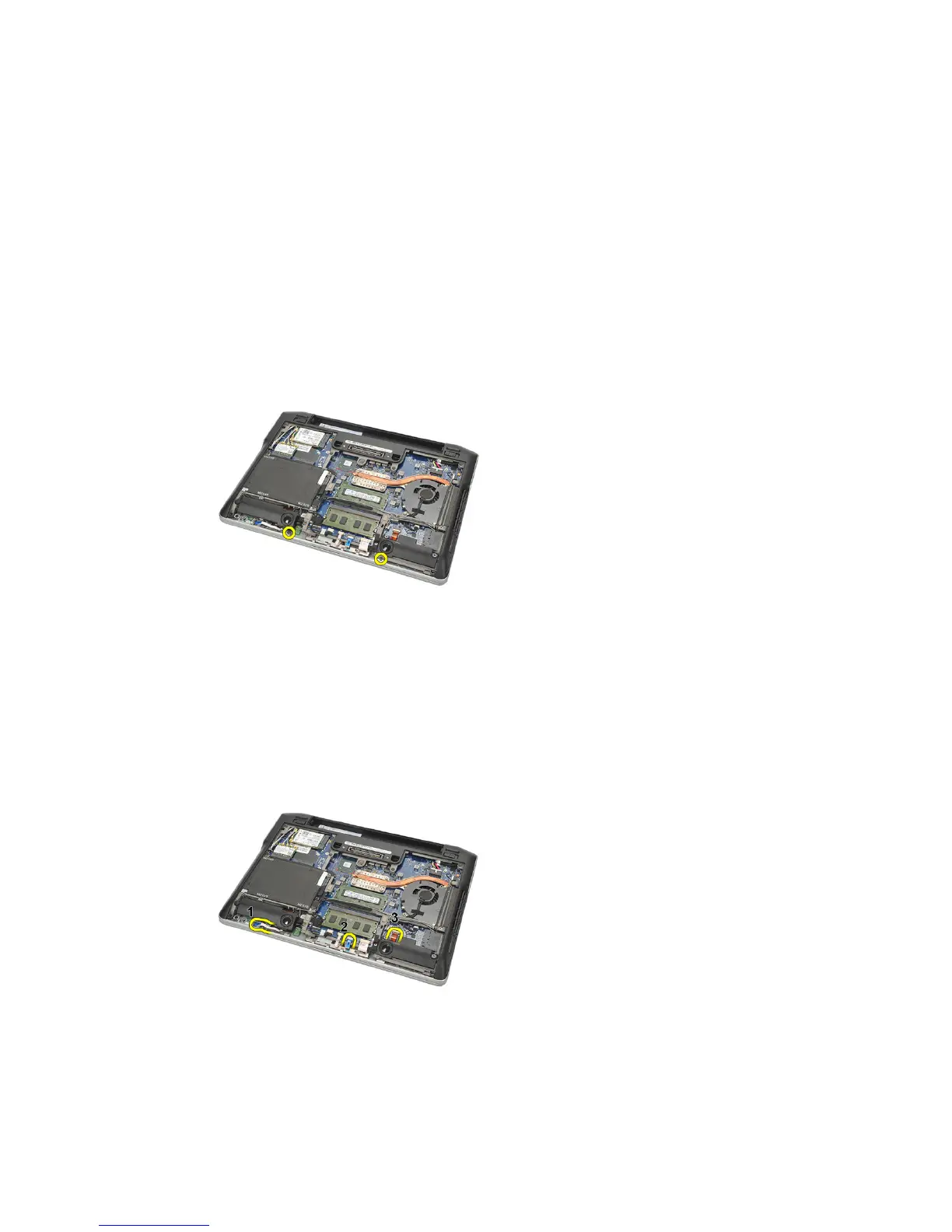
4. Remove the screws securing the palm rest.
5. Disconnect the following cables:
• fingerprint reader
• touchpad
• contactless smart card reader
NOTE: The palm rest either has a fingerprint reader along with contactless smart
card modules or neither of them.
6. Turn over the computer. Using a plastic scribe, gently pry out the top
left corner of the palm rest. Slide the plastic scribe along the top of the
palm rest releasing all the snaps before releasing the rest of the snaps to
the left, right, and bottom of the palm rest.
37















 To Next Page