24 Smart Card Cage
Removing The Smart Card Cage
1. Follow the procedures in Before Working On Your Computer.
2. Remove the secure digital (SD) card.
3. Remove the battery.
4. Remove the subscriber identity module (SIM) Card.
5. Remove the base cover.
6. Remove the memory.
7. Remove the hard drive.
8. Remove the Wireless Local Access Network (WLAN) card.
9. Remove the Wireless Wide Area Network (WWAN) card.
10. Remove the Bluetooth module.
11. Remove the speakers.
12. Remove the palm rest.
13. Remove the keyboard.
14. Remove the bottom chassis.
15. Remove the heatsink.
16. Remove the DC-in-Connector.
17. Remove the coin-cell battery.
18. Remove the system board.
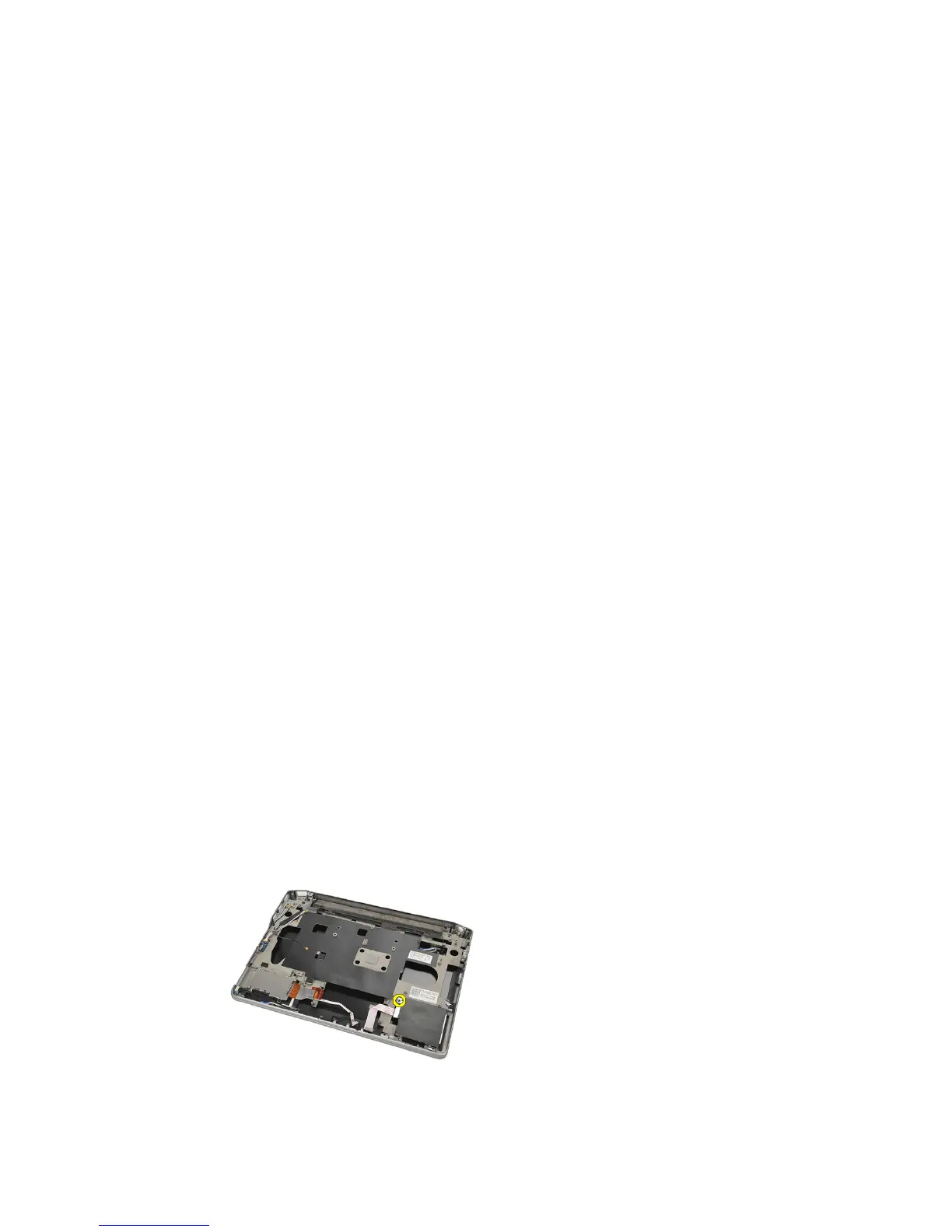
19. Remove the screw that secures the smart card cage.
20. Slide out the smart card cage and remove it from the computer.
65















 To Next Page