28 Camera
Removing The Camera
1. Follow the procedures in Before Working On Your Computer.
2. Remove the battery.
3. Remove the display bezel.
NOTE: The computer has either a camera with a microphone module or a
microphone only module. Either of them resides in the same slot.
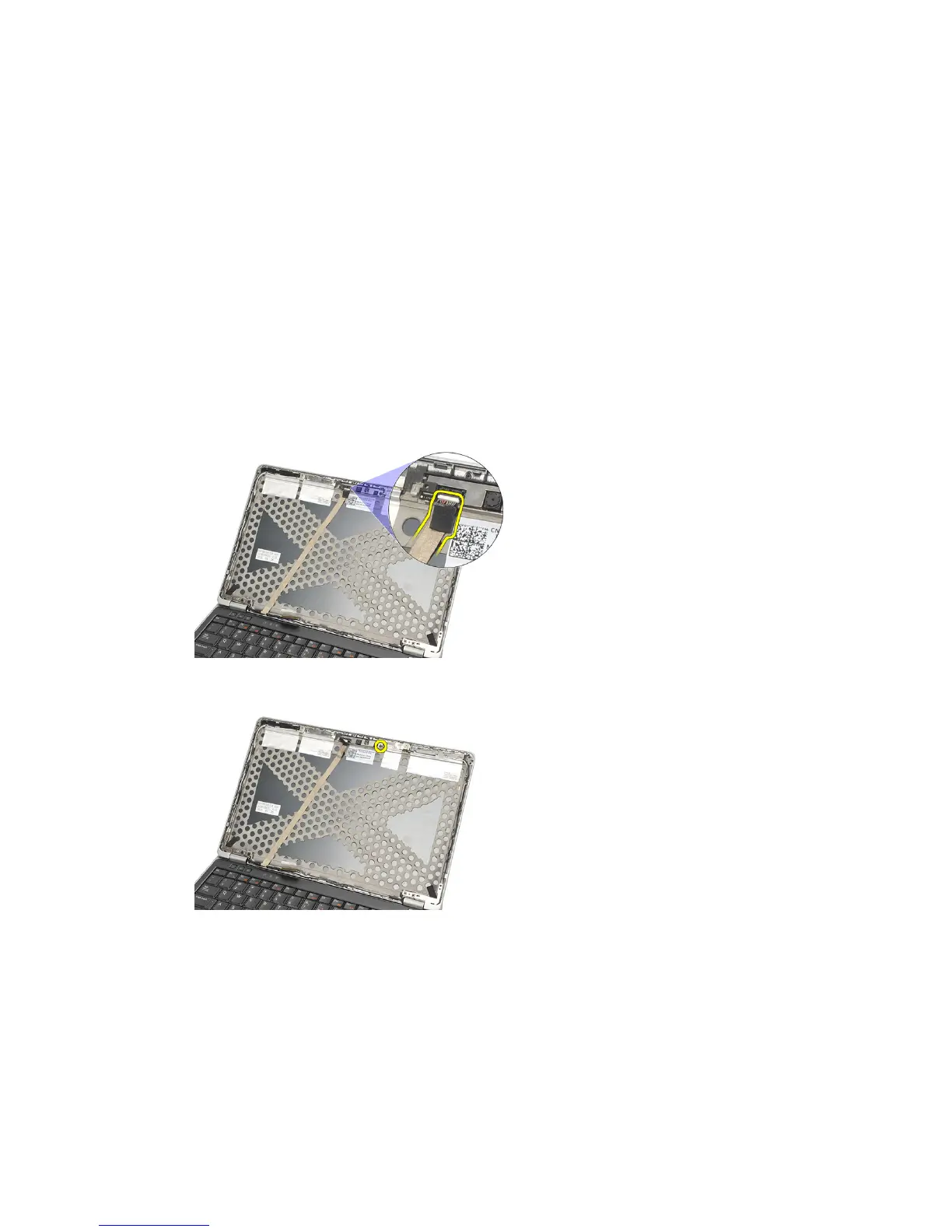
4. Disconnect the cable from the camera and/or microphone module.
5. Remove the screw that secures the module.
6. Remove the camera and/or microphone by disconnecting from the cable
on the display top cover.
75















 To Next Page