System Board 63
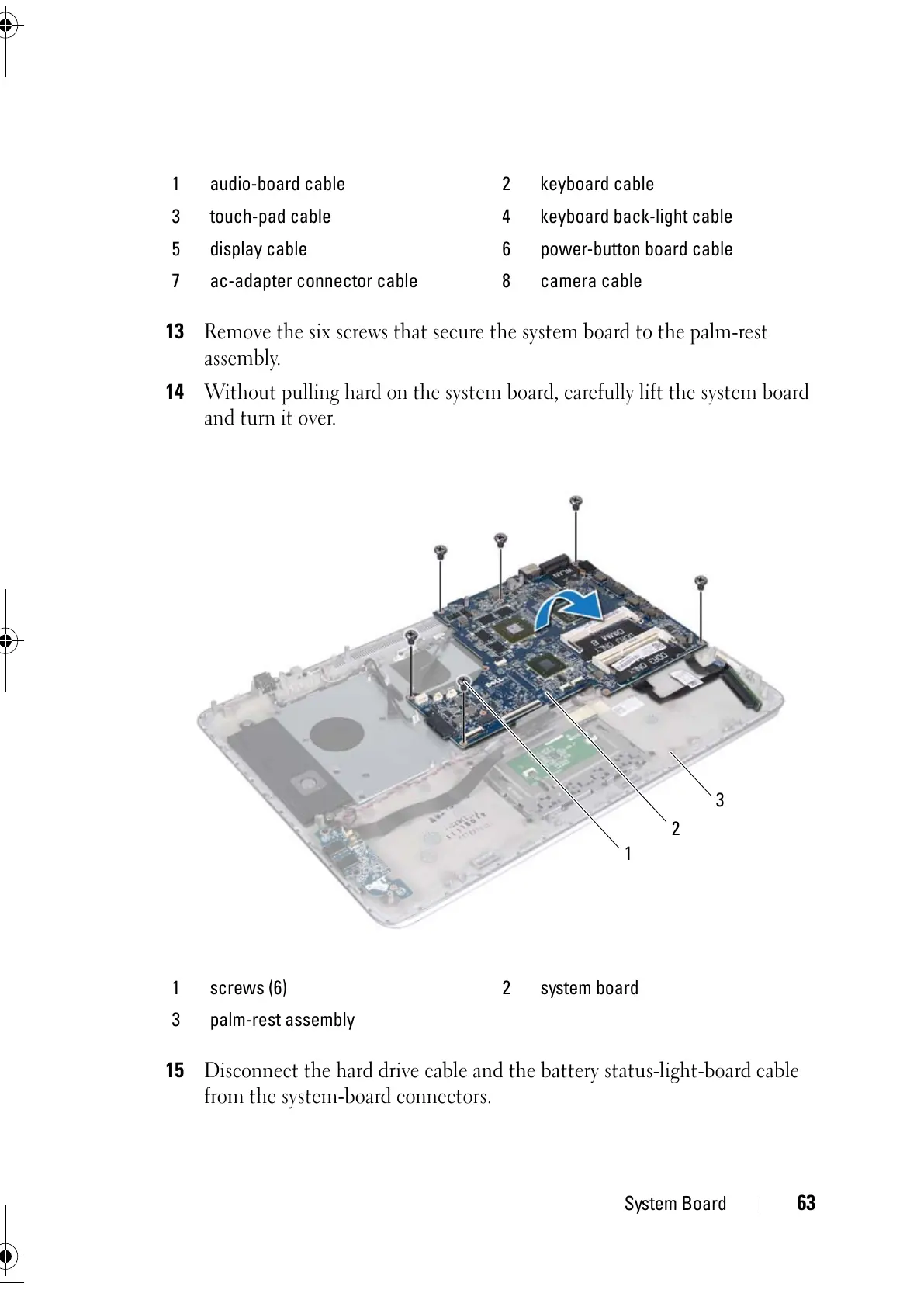
13
Remove the six screws that secure the system board to the palm-rest
assembly.
14
Without pulling hard on the system board, carefully lift the system board
and turn it over.
15
Disconnect the hard drive cable and the battery status-light-board cable
from the system-board connectors.
1 audio-board cable 2 keyboard cable
3 touch-pad cable 4 keyboard back-light cable
5 display cable 6 power-button board cable
7 ac-adapter connector cable 8 camera cable
1 screws (6) 2 system board
3 palm-rest assembly



 To Next Page