Keyboard 69
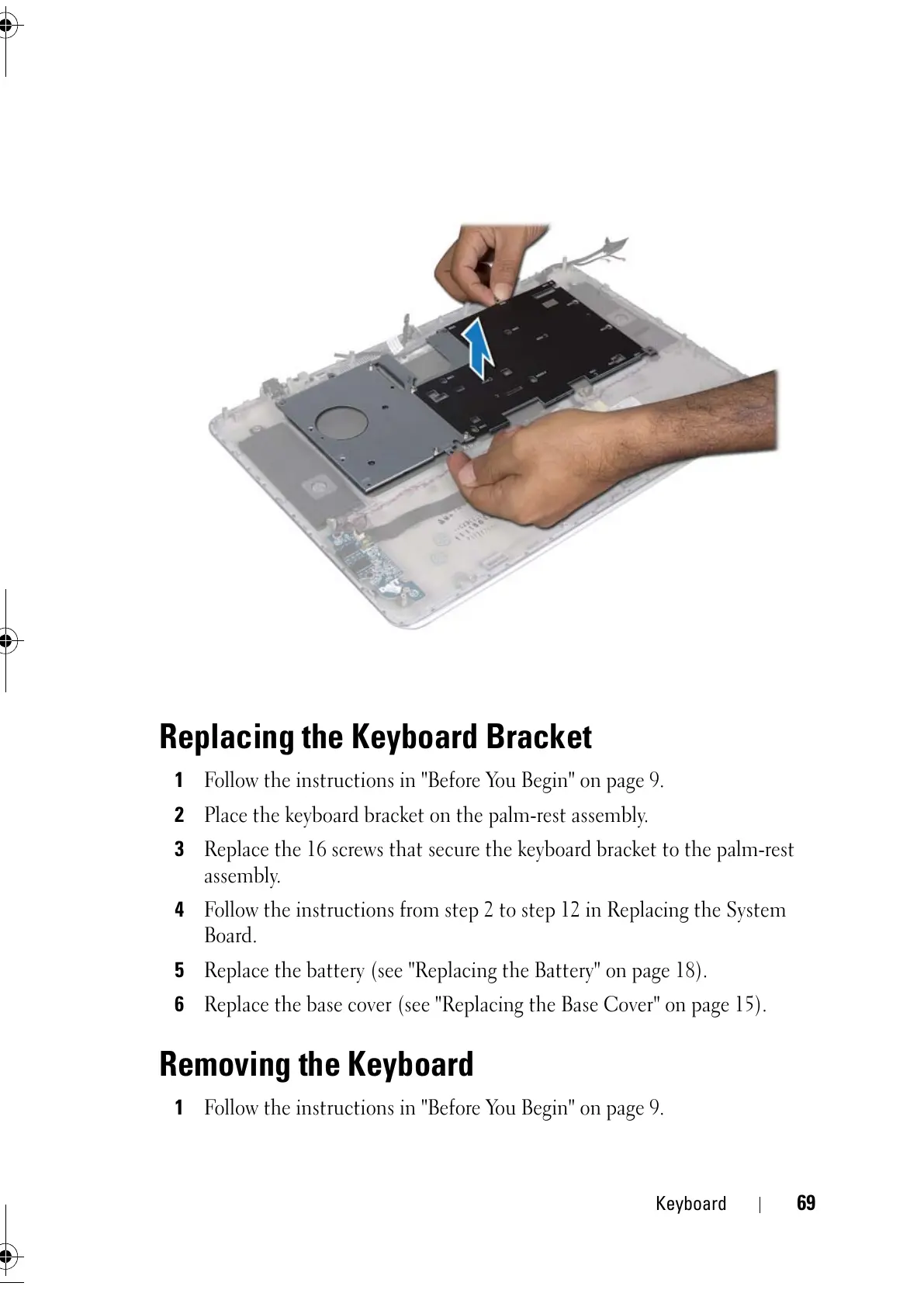
Replacing the Keyboard Bracket
1
Follow the instructions in "Before You Begin" on page 9.
2
Place the keyboard bracket on the palm-rest assembly.
3
Replace the 16 screws that secure the keyboard bracket to the palm-rest
assembly.
4
Follow the instructions from step 2 to step 12 in Replacing the System
Board.
5
Replace the battery (see "Replacing the Battery" on page 18).
6
Replace the base cover (see "Replacing the Base Cover" on page 15).
Removing the Keyboard
1
Follow the instructions in "Before You Begin" on page 9.
book.book Page 69 Friday, February 21, 2014 12:07 PM



 To Next Page