Base Cover 15
Replacing the Base Cover
1
Follow the instructions in "Before You Begin" on page 9.
2
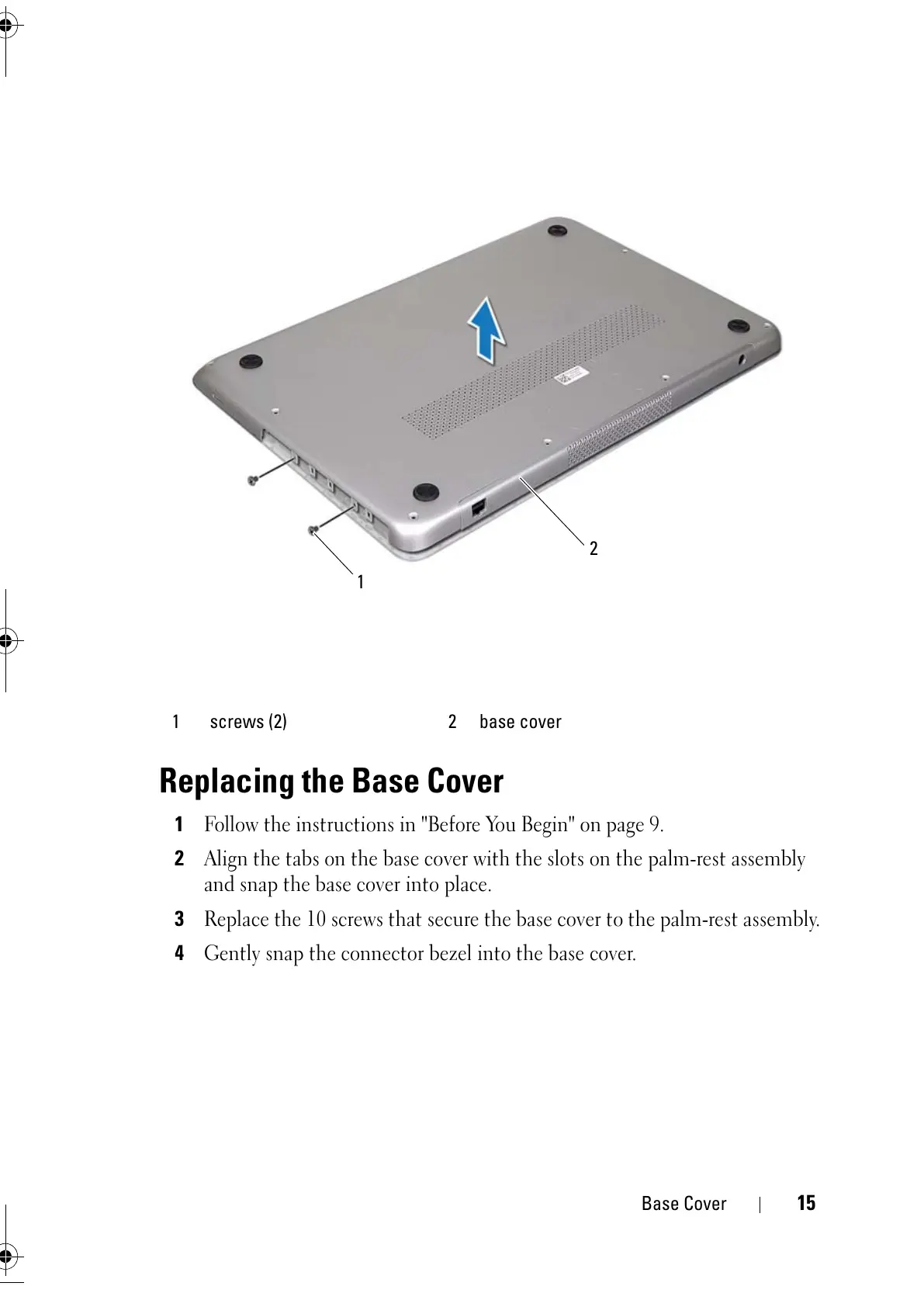
Align the tabs on the base cover with the slots on the palm-rest assembly
and snap the base cover into place.
3
Replace the 10 screws that secure the base cover to the palm-rest assembly.
4
Gently snap the connector bezel into the base cover.
1 screws (2) 2 base cover



 To Next Page