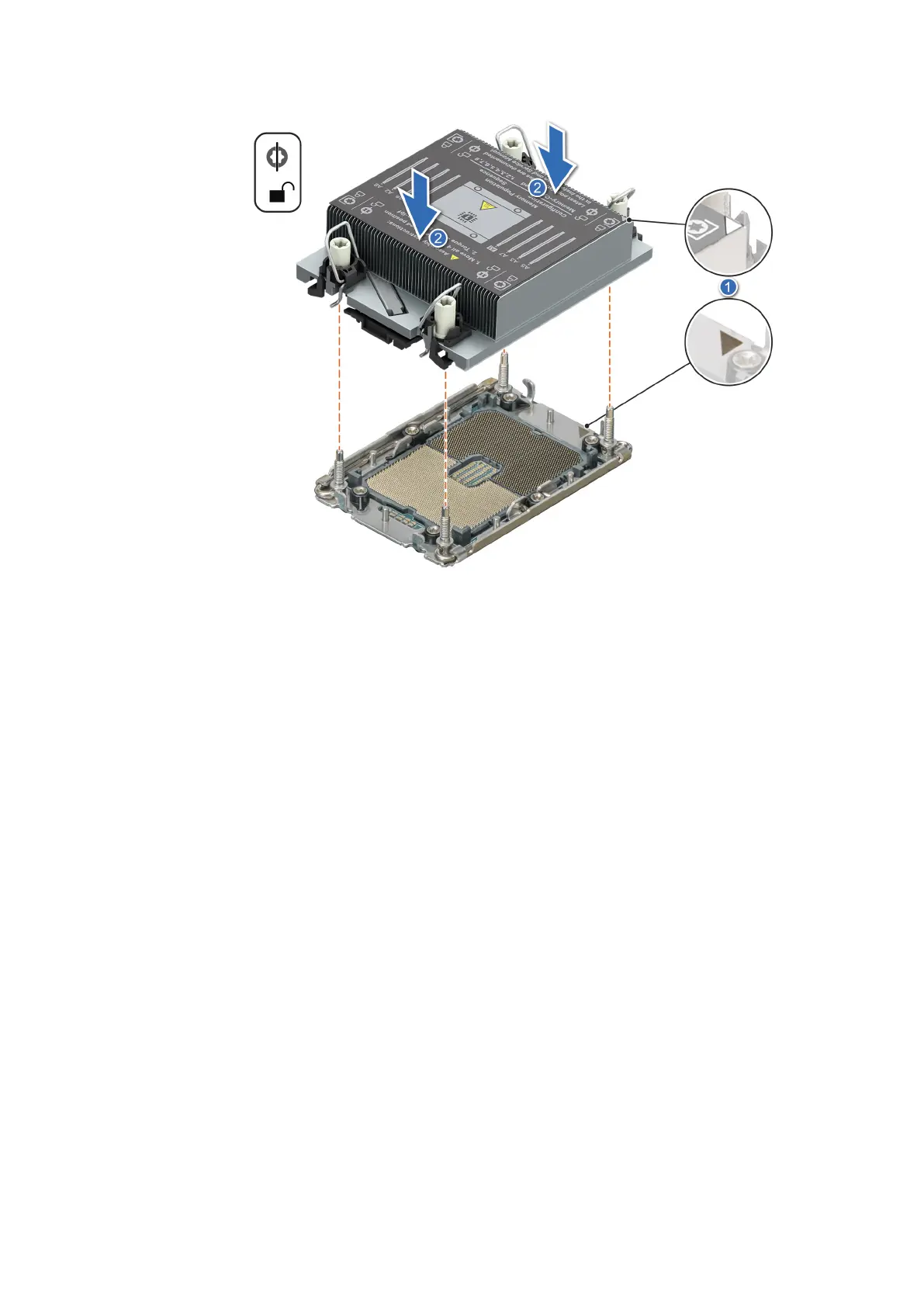
Figure 73. Installing the processor and heat sink (PHM)
3. Set the Anti-Tilt wires to the locked position (outward position), and then using the Torx T30 screwdriver, tighten the
captive nuts (8 in-lbf) on the heat sink in the order below:
a. Tighten the first nut three turns.
b. Tighten the screw diagonally opposite to the nut you tighten first.
c. Repeat the procedure for the remaining two nuts.
d. Return to the first nut to tighten it completely.
100
Installing and removing system components















 To Next Page