Installing the riser card
Prerequisites
1. Follow the safety guidelines listed in Safety instructions.
2. Follow the procedure listed in Before working inside your system.
Steps
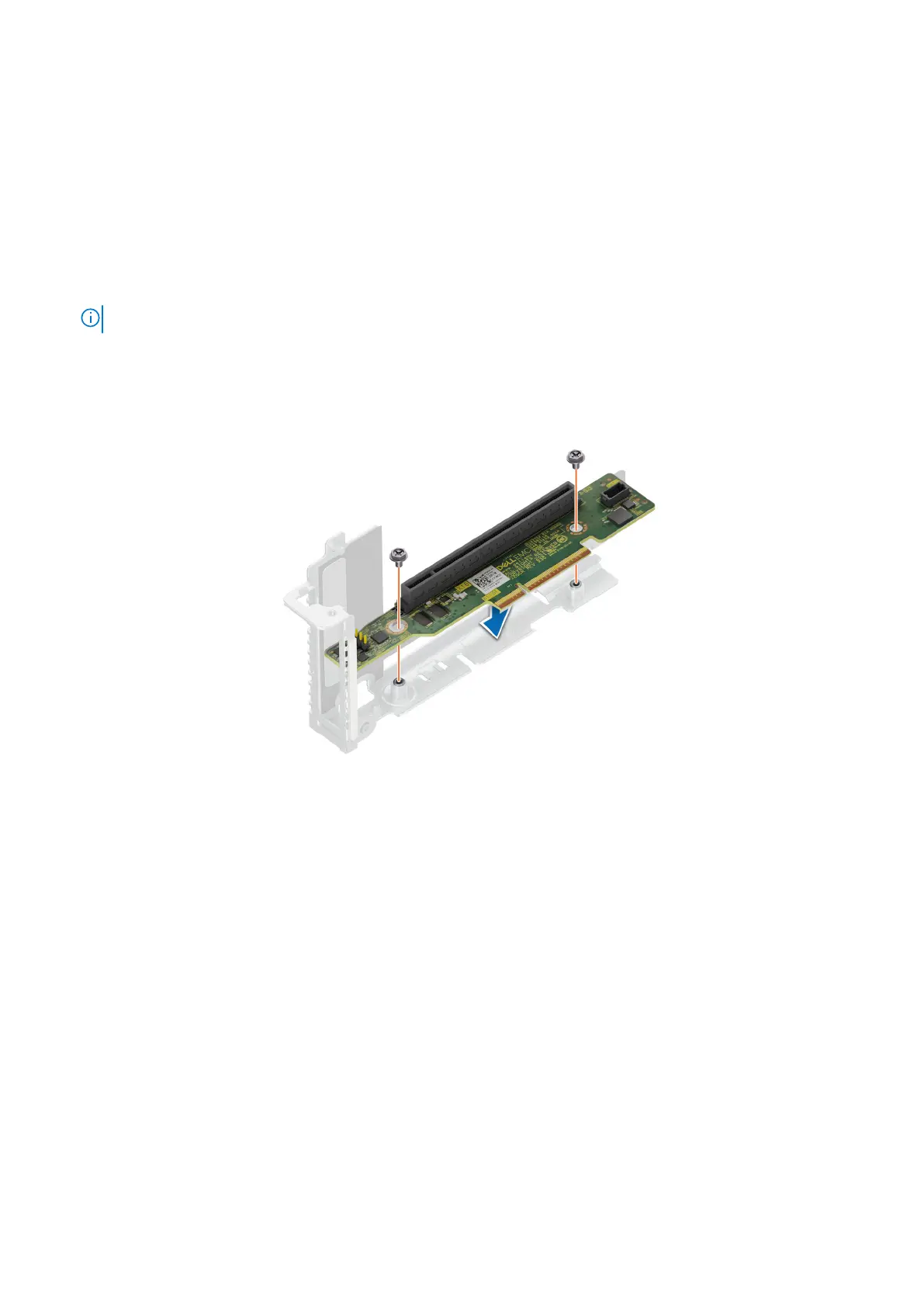
1. Align and insert the riser card with the screw holes on the riser.
2. Using a Phillips 2 screwdriver, tighten the screws that secure the riser card to the expansion card riser.
NOTE: The procedure to install the riser 1B card is similar to installing the riser 1A card.
Figure 45. Installing the riser card in riser 1
72
Installing and removing system components















 To Next Page