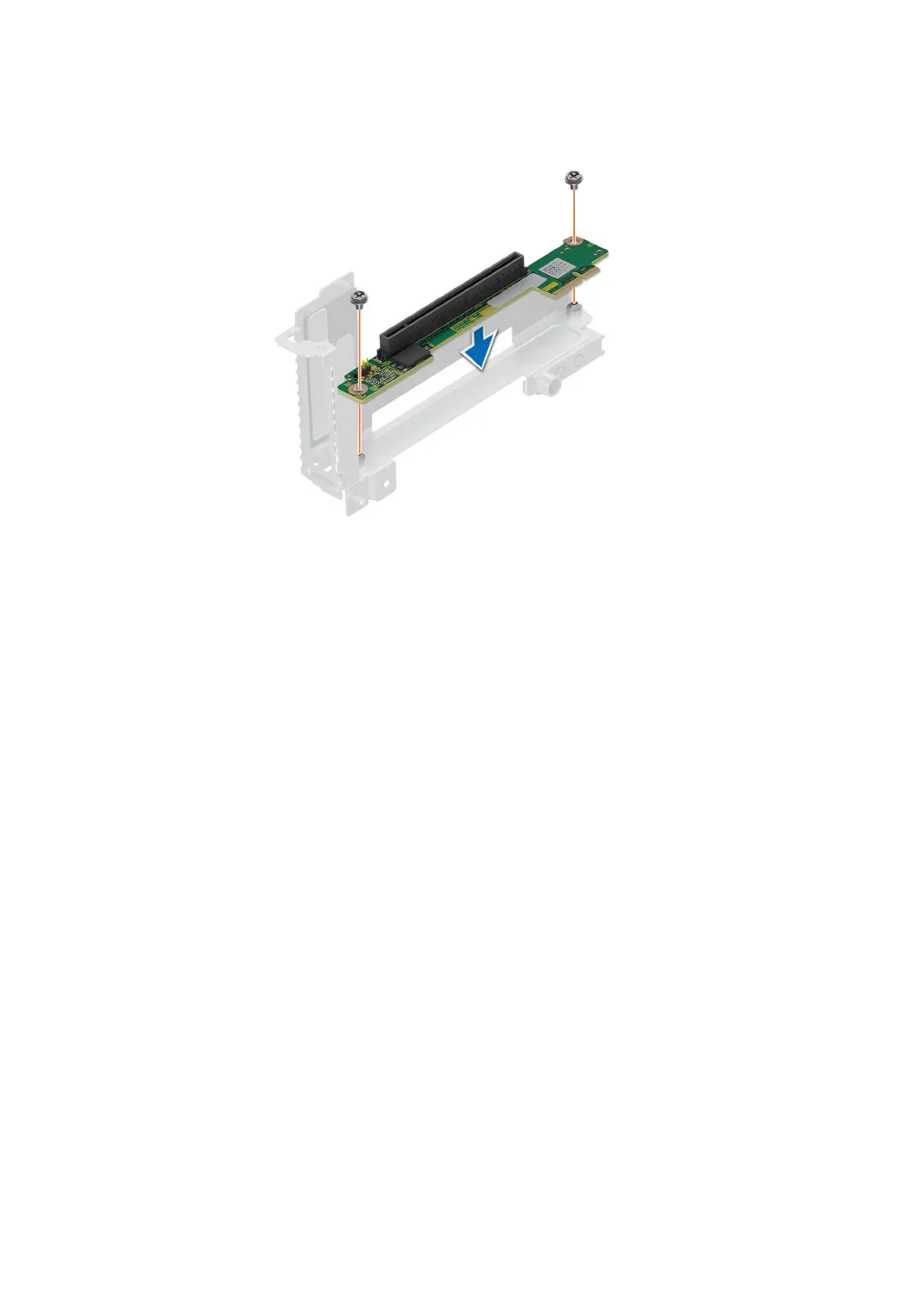
Figure 46. Installing the riser card in riser 2
Next steps
1. If applicable, connect the cable to the riser card.
2. If removed, install the expansion card.
3. Install the expansion card riser 1 and install the expansion card riser 2.
4. Follow the procedure listed in After working inside your system.
Installing and removing system components
73















 To Next Page