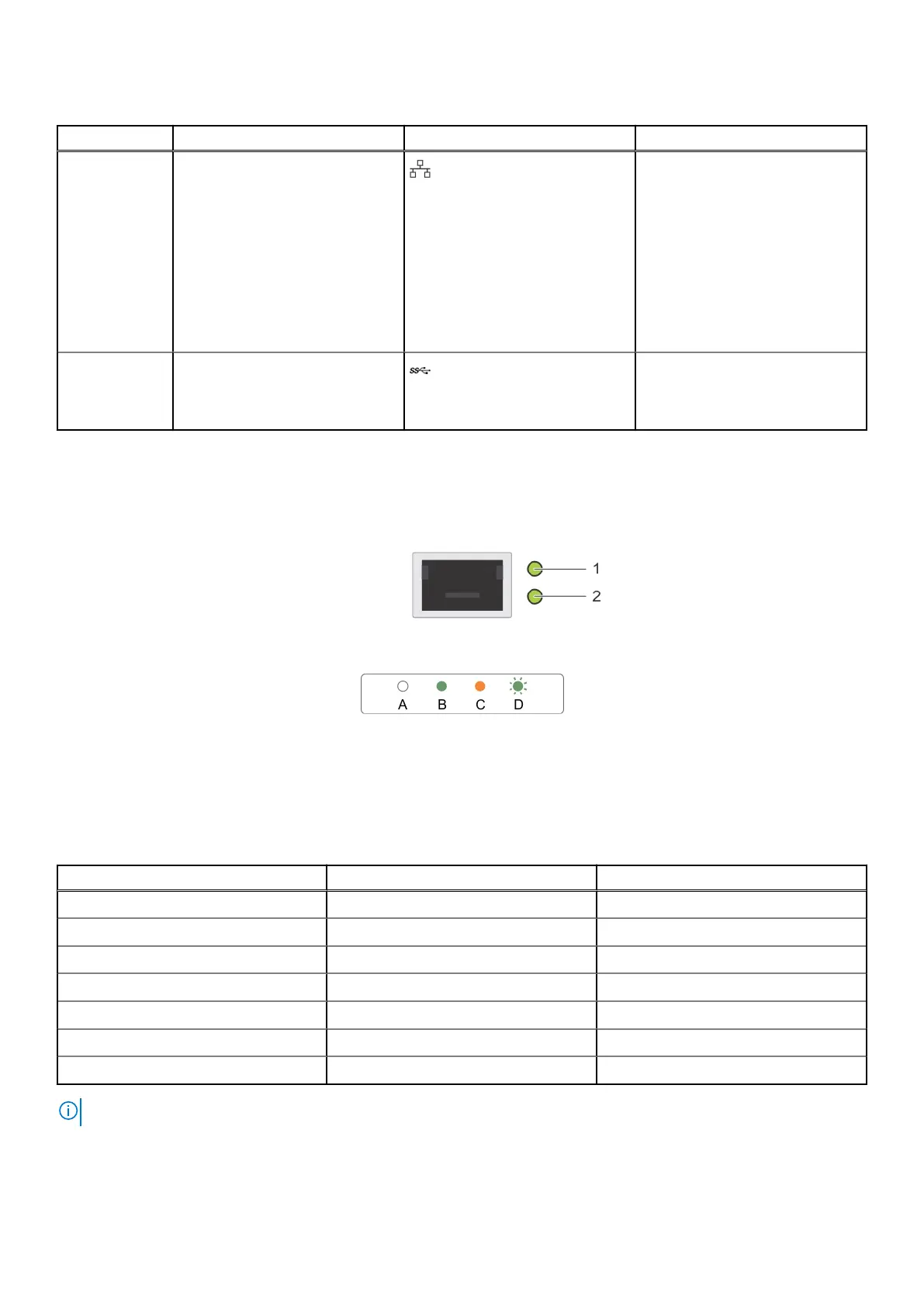
Table 2. Rear view of the system (air cooling configuration) (continued)
Item Ports, panels, or slots Icon Description
10 iDRAC or NIC or RJ45 port The NIC ports that are integrated
on the LOM card provide network
connectivity which is connected to
the system board.
or
Enables you to remotely access
iDRAC. For more information,
see the Integrated Dell Remote
Access Controller User's Guide at
www.dell.com/poweredgemanuals.
11 USB 3.0 port The USB ports are 9-pin, 3.0-
compliant. These ports enable you
to connect USB devices to the
system.
Network ports indicator codes
Figure 5. LAN indicators on the QSFP OCP card
1. Link indicator
2. Activity indicator
Table 3. QSFP port on OCP card indicator codes
Connection State QSFP Upper green LED QSFP Lower green LED
No link/Not Connected Off Off
InfiniBand Physical Link - No Logical Link Green Off
InfiniBand Logical Link - No Traffic Green Green
InfiniBand Logical Link - Traffic Green Blink
InfiniBand Physical Link Issue Blink Green
Ethernet Link - No Traffic Green Green
Ethernet - Traffic Green Blink
NOTE: The LED blink speed varies according to the traffic bandwidth.
12 PowerEdge C6620 system configurations and features















 To Next Page