LOM riser card
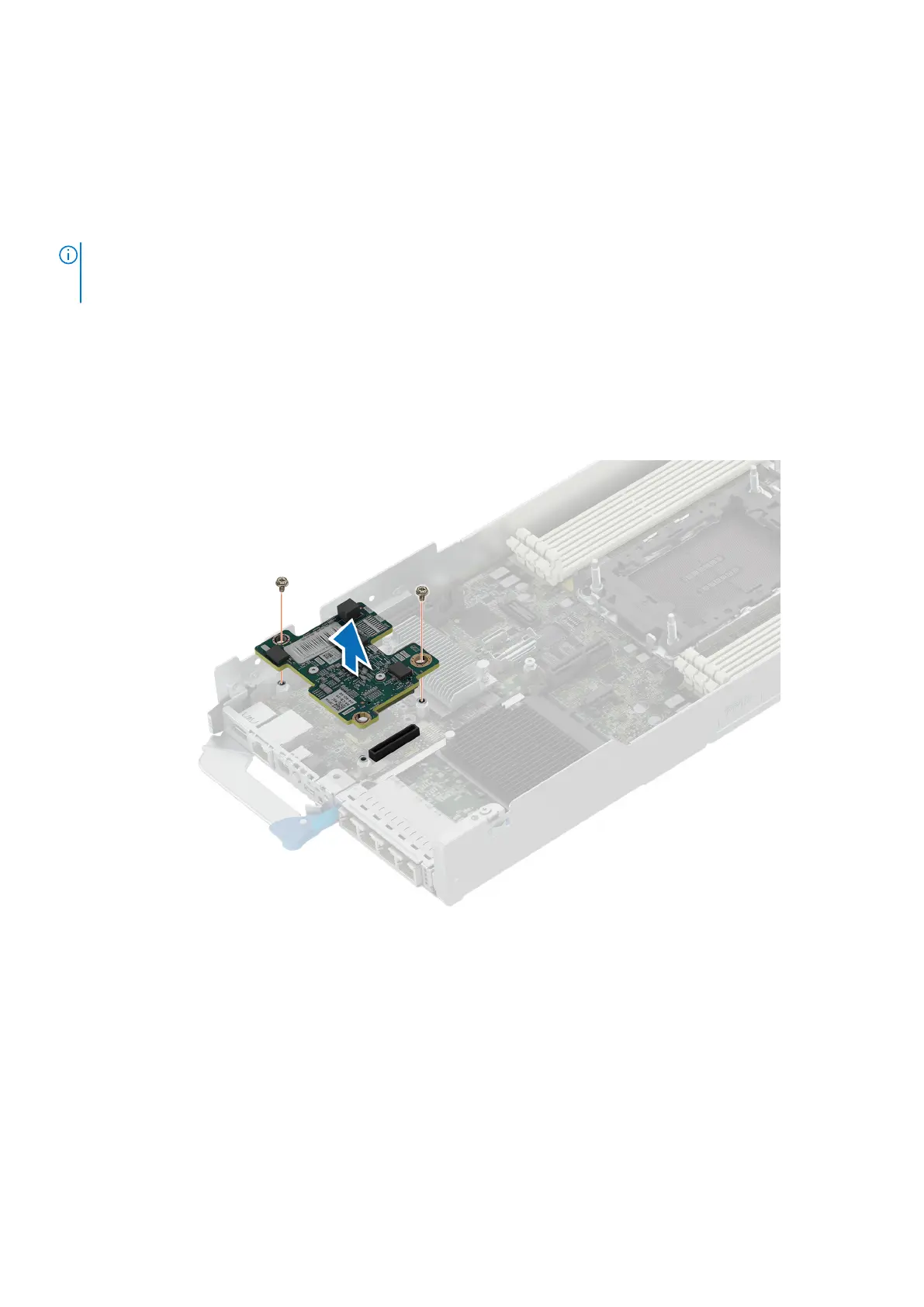
Removing the LOM
Prerequisites
NOTE: Install an expansion card filler bracket over an empty expansion slot to maintain Federal Communications
Commission (FCC) certification of the system. The brackets also keep dust and dirt out of the system and aid in proper
cooling and airflow inside the system.
1. Follow the safety guidelines listed in Safety instructions.
2. Follow the procedure listed in Before working inside your system.
3. Remove the expansion card riser 1.
Steps
1. Using Phillips 2 screwdriver, remove the screws that secure the LOM.
2. Lift the LOM card from the connector on the system board.
Figure 52. Removing the LOM
Next steps
Install the expansion card riser 1.
82
Installing and removing system components















 To Next Page