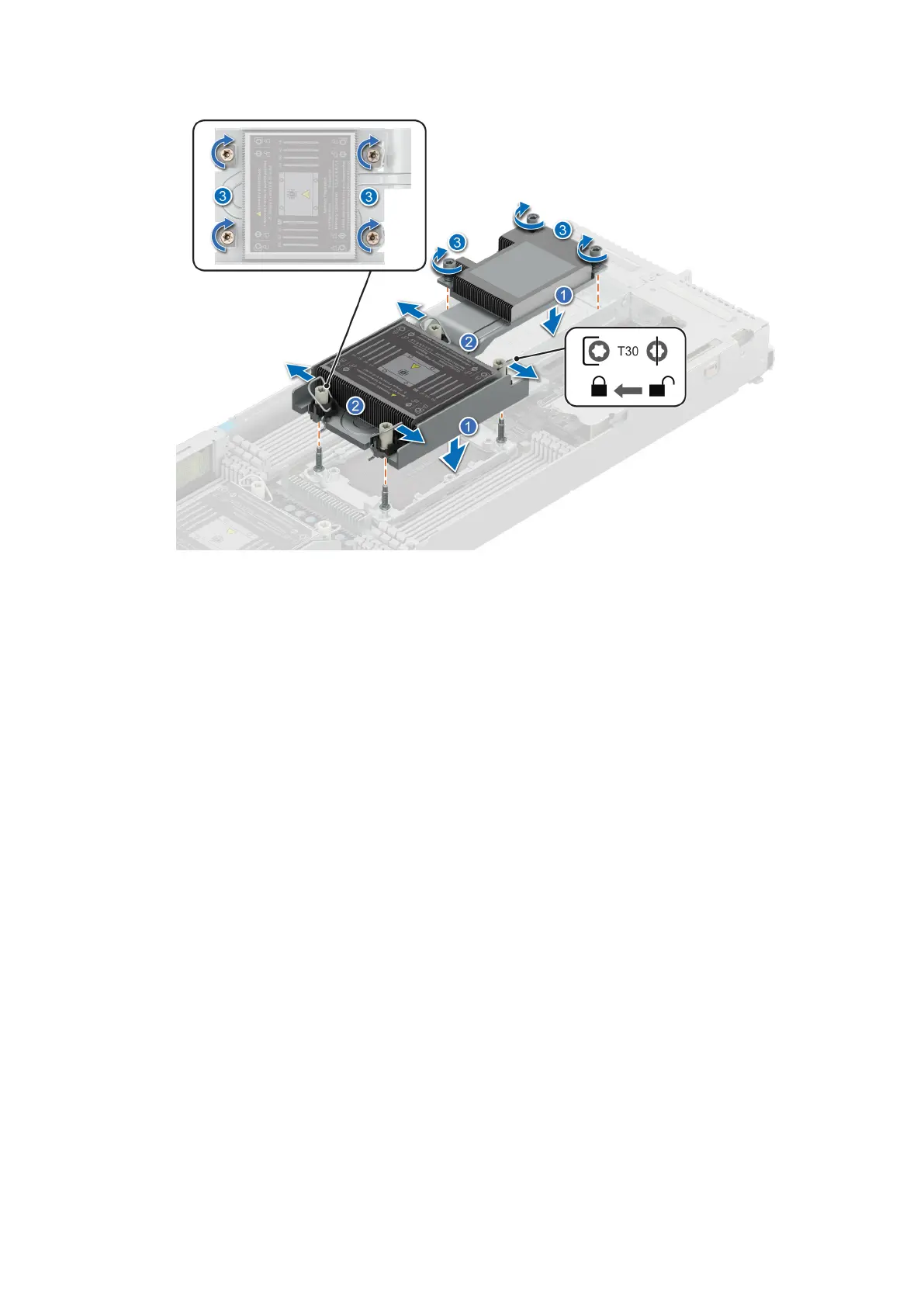
Figure 76. Set the Anti-Tilt wires to the locked position and tightening the captive screws
Next steps
1. Install the air shroud.
2. Follow the procedure listed in After working inside your system.
Liquid cooling cold plate with leak sensor
This is a service technician replaceable part only.
Removing a liquid cooling cold plate with leak sensor
Prerequisites
1. Follow the safety guidelines listed in Safety instructions.
2. Follow the procedure listed in Before working inside your system.
Steps
1. Using a Phillips 1 screwdriver, remove the screws that secure the rubber tube cover.
Installing and removing system components
103















 To Next Page