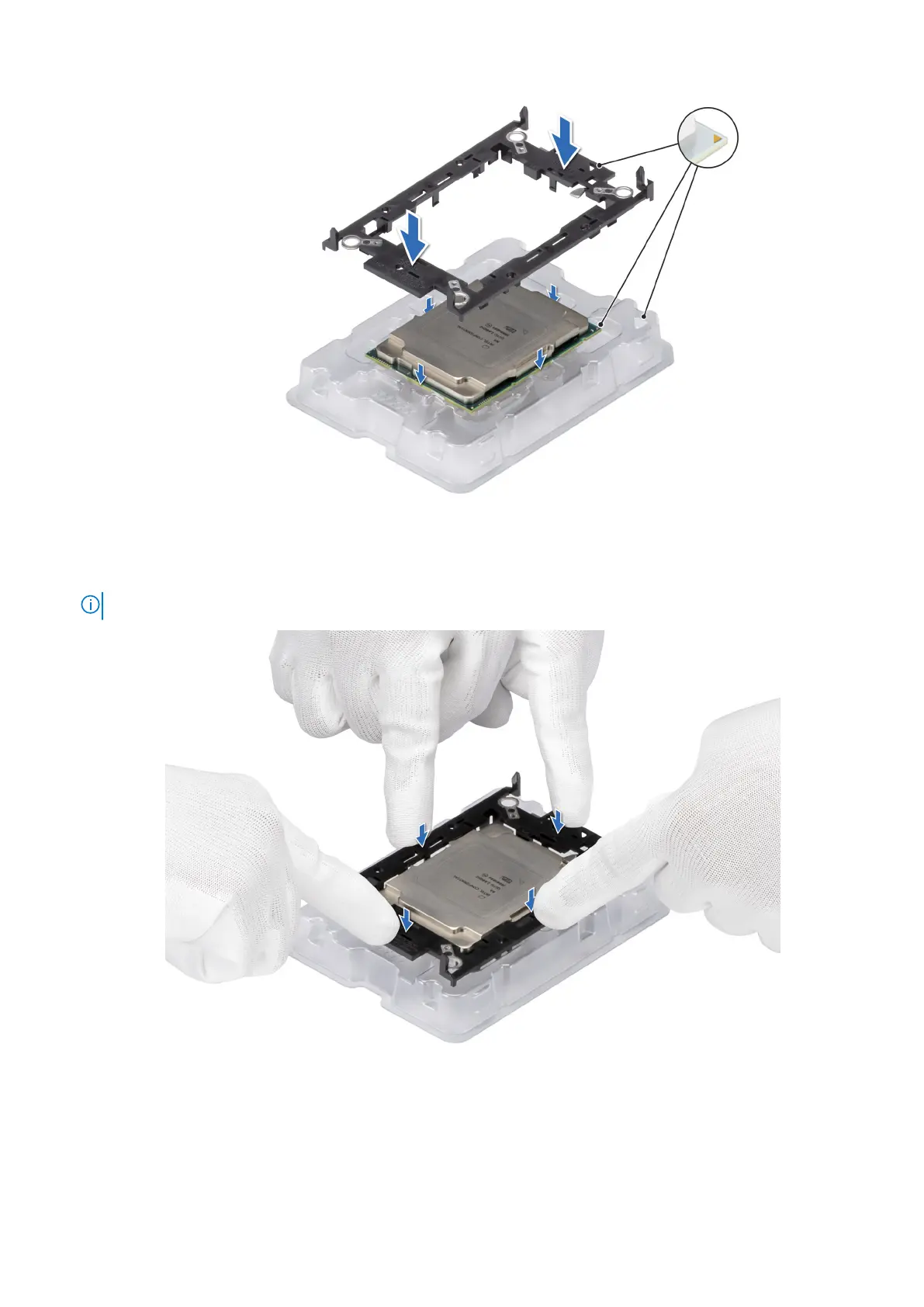
Figure 68. Installing the processor retaining clip
3. Align the processor with processor retaining clip by using your fingers to press the retaining clip on all the four sides until it
clicks into place.
NOTE: Ensure that the processor is securely latched to the processor retaining clip.
Figure 69. Press the retaining clip on the four sides
4. If you are using an existing heat sink, remove the thermal grease on the heat sink by using a clean lint-free cloth.
5. Use the thermal grease syringe included with your processor kit to apply the grease in a thin spiral on the bottom of the heat
sink.
Installing and removing system components
97















 To Next Page