Related Links
Installing the Cover
Installing the Cover
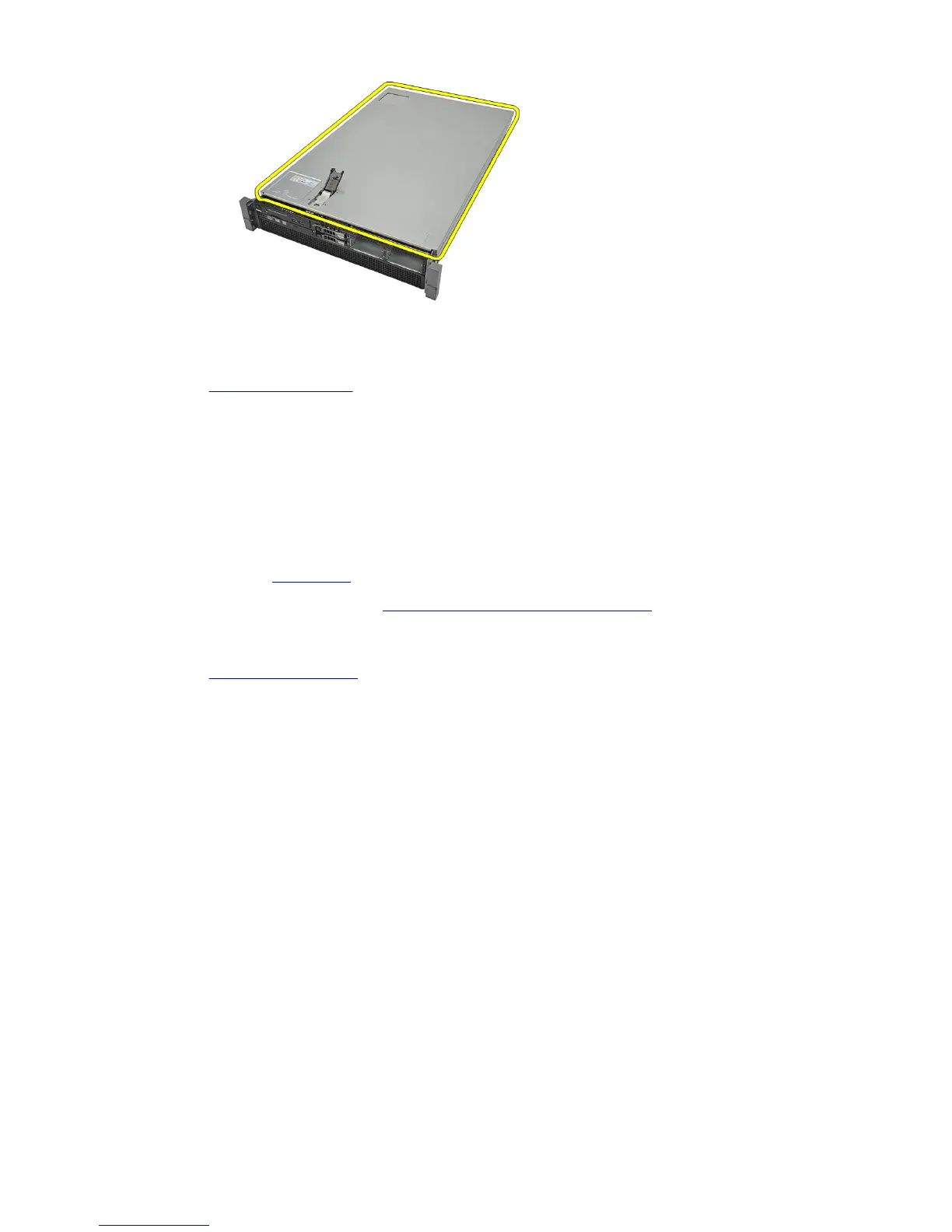
1. Place the cover on the computer and press down until it clicks into place.
2. Press down the cover latch.
3. Using a screwdriver, rotate the latch-release lock clockwise, to lock the cover.
4. Install the front bezel.
5. Follow the procedures in After Working Inside Your Computer.
Related Links
Removing the Cover
14















 To Next Page