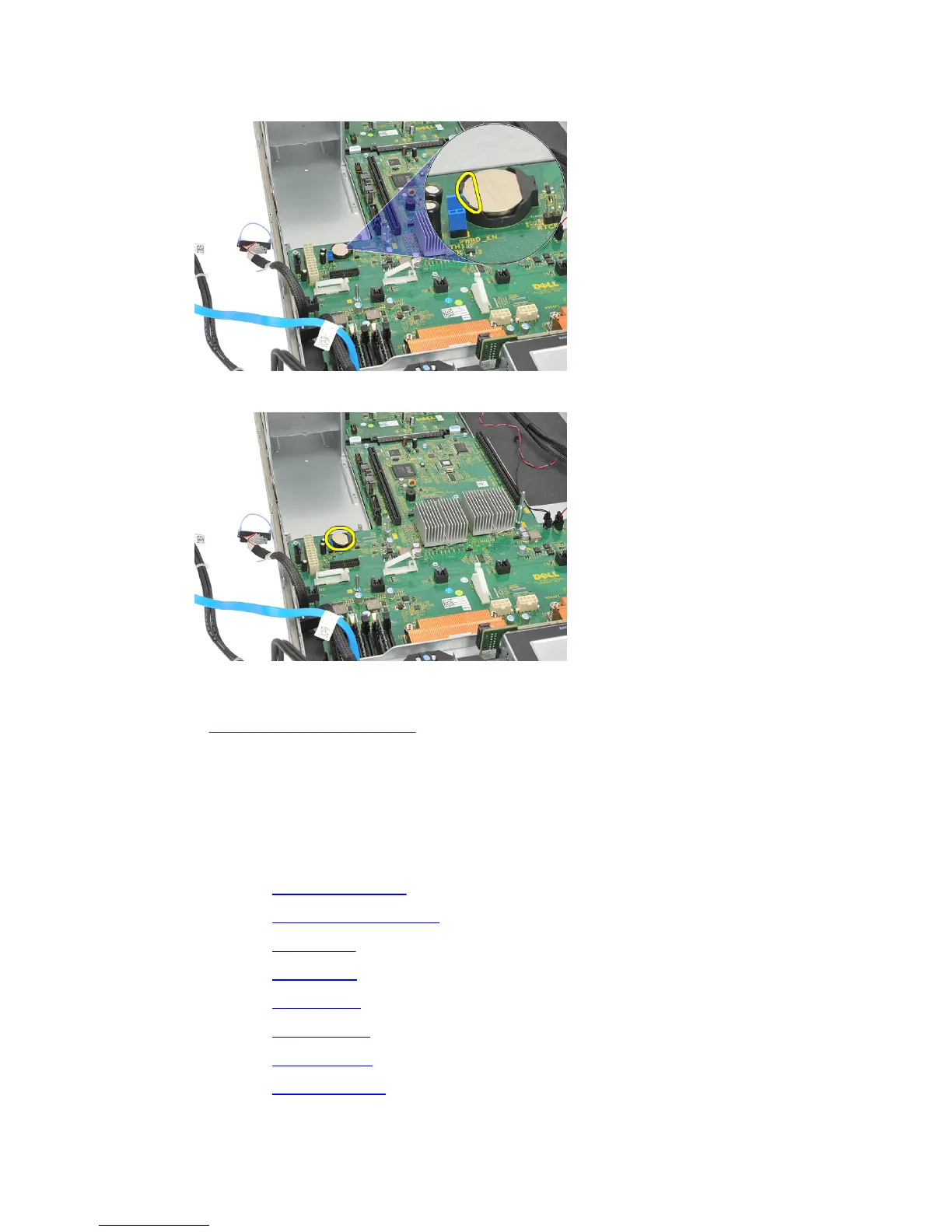
17. Press the coin-cell battery inward to allow the battery to pop up from the socket.
(power distribution unit removed for visibility purposes)
18. Lift the coin-cell battery out of the system and properly dispose of the battery.
Related Links
Installing the CMOS Battery
Installing the CMOS Battery
1. Fix the coin-cell battery in the socket of the computer.
2. Connect the cables leading to the power distribution unit.
3. Install the center riser board.
4. Install the power distribution unit.
5. Install the card cages.
6. Install the fan bracket.
7. Install the system fans.
8. Install the control panel.
9. Install the power supply.
10. Install the SAS backplane.
43















 To Next Page