8
SAS Backplane
Removing the SAS Backplane
1. Follow the procedures in Before Working Inside Your Computer.
2. Remove the front bezel.
3. Remove the cover.
4. Remove the cooling shroud.
5. Remove the optical drive.
6. Remove the hard drive carrier.
7. Remove the hard-drive assembly.
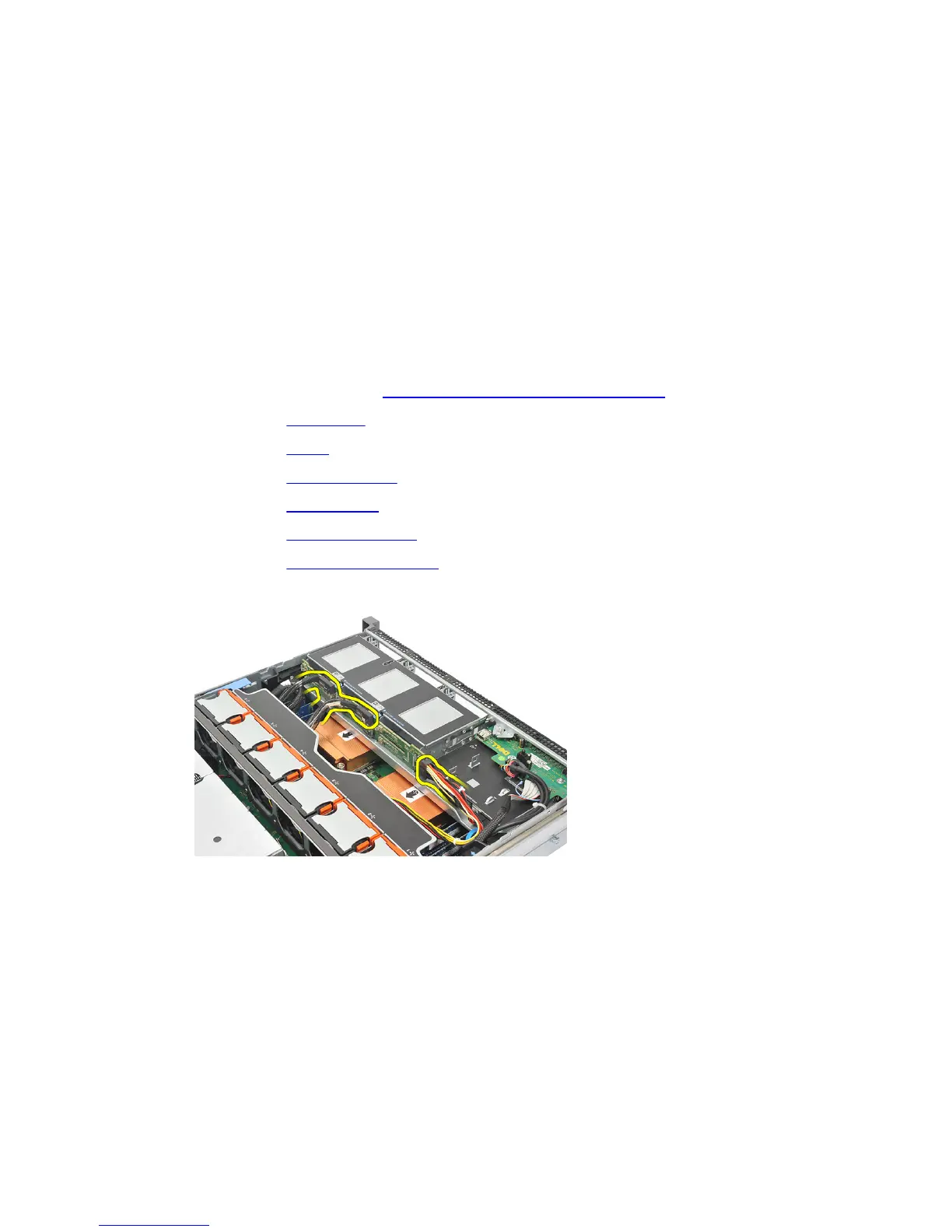
8. Disconnect the SAS cables.
9. Push the blue release tabs in the direction of the arrows marked on the hard-drive
housing assembly. Slide the backplane upwards.
23















 To Next Page