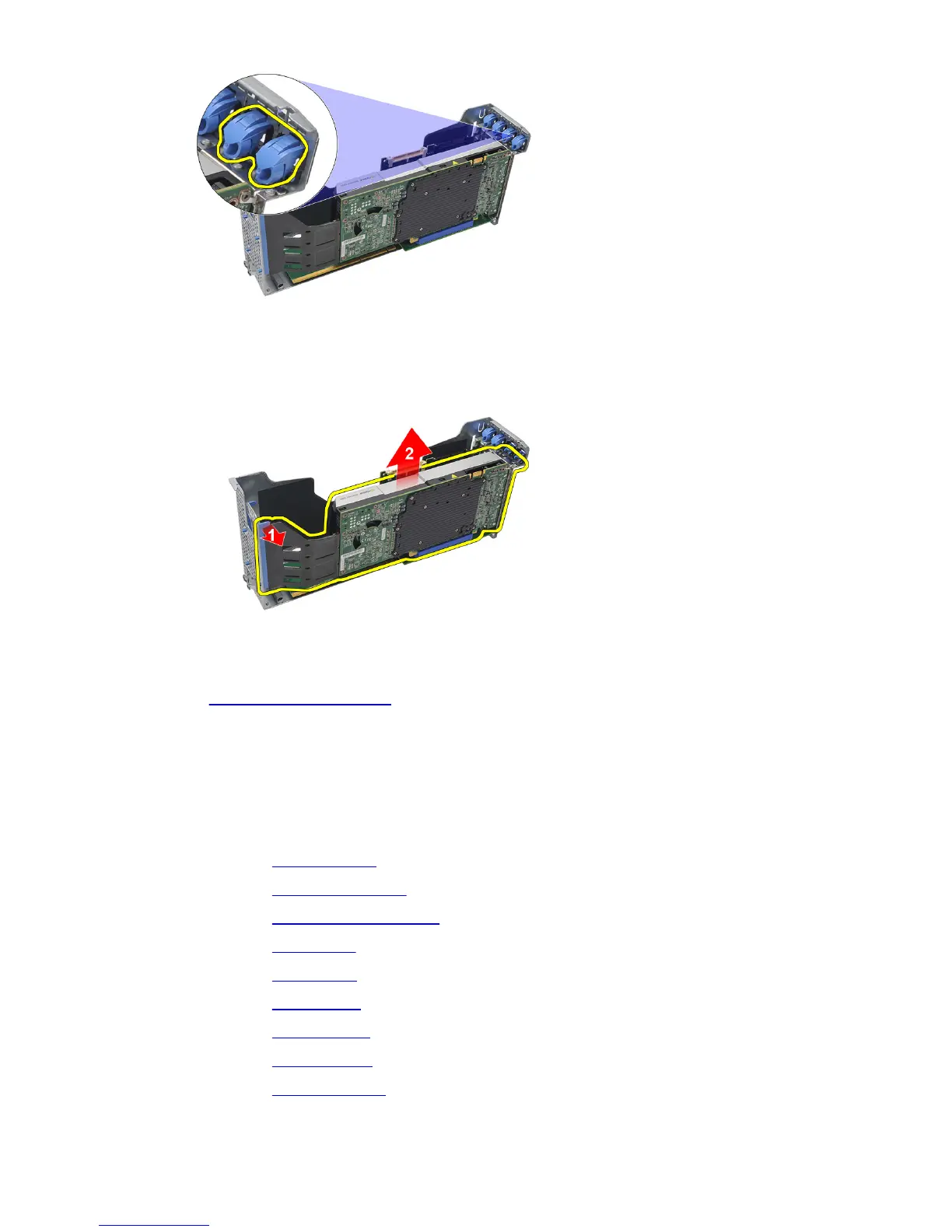
18. Press the release tab in the direction shown by (1) and carefully lift the video card
up and away from the computer as shown by direction marked (2).
Related Links
Installing the Video Card
Installing the Video Card
1. Insert the video card in the slot provided until it clicks into place.
2. Press the release latch to secure the video card.
3. Install the CMOS battery.
4. Install the center riser board.
5. Install the power distribution unit.
6. Install the card cages.
7. Install the fan bracket.
8. Install the system fans.
9. Install the control panel.
10. Install the power supply.
11. Install the SAS backplane.
46















 To Next Page