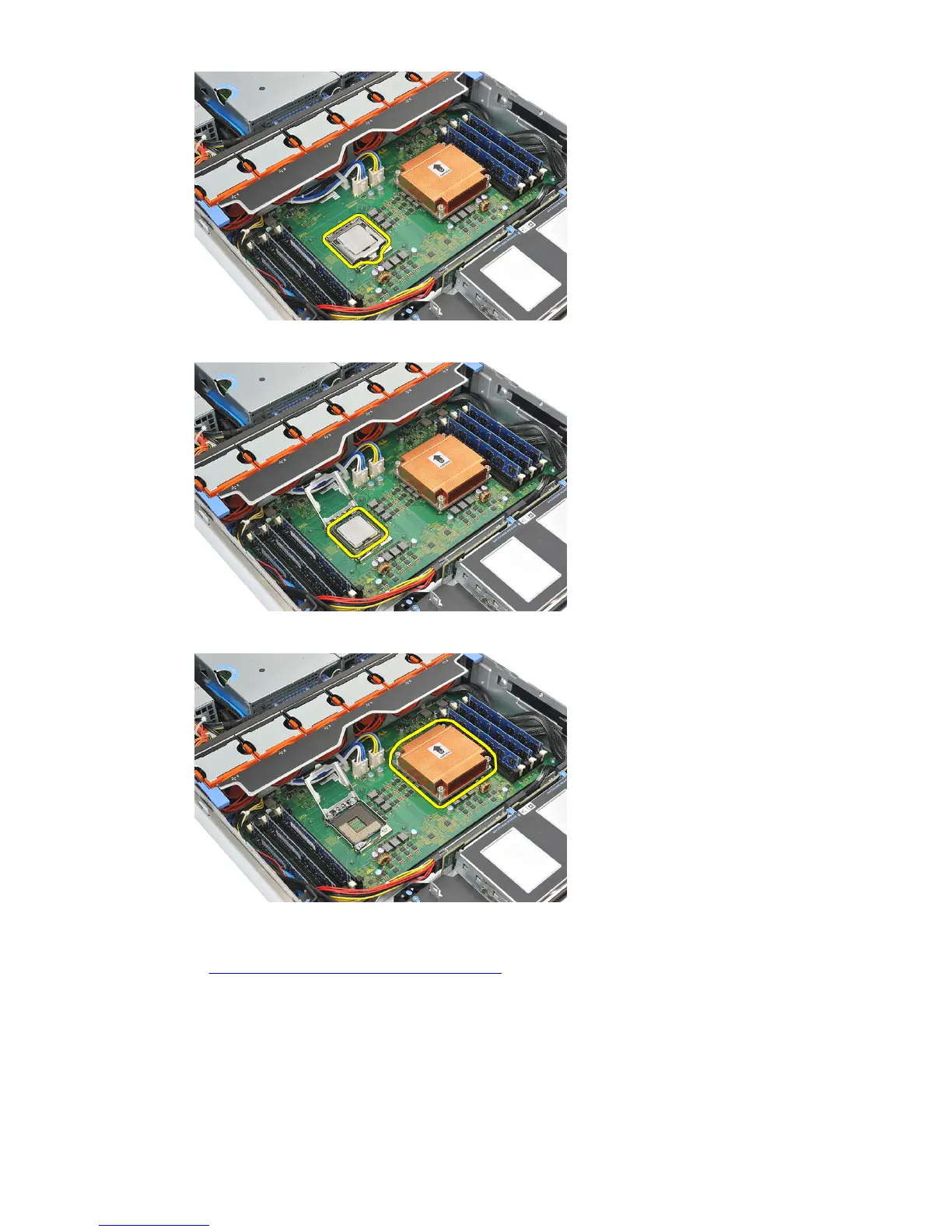
25. Carefully lift the processor out of the socket.
26. Repeat steps 21 to 25 for the second processor (if installed).
Related Links
Installing the Processors and Heat Sink
Installing the Processors and Heat Sink
1. Place and insert the processor in the socket.
2. Press the processor shield downwards and cover the socket.
59















 To Next Page