13
Card Cages
Removing the Expansion Card Cages
1. Follow the procedures in Before Working Inside Your Computer.
2. Remove the front bezel.
3. Remove the cover.
4. Remove the cooling shroud.
5. Remove the optical drive.
6. Remove the hard drive carrier.
7. Remove the hard-drive assembly.
8. Remove the SAS Backplane.
9. Remove the power supply.
10. Remove the control panel.
11. Remove the system fans.
12. Remove the removable fan bracket.
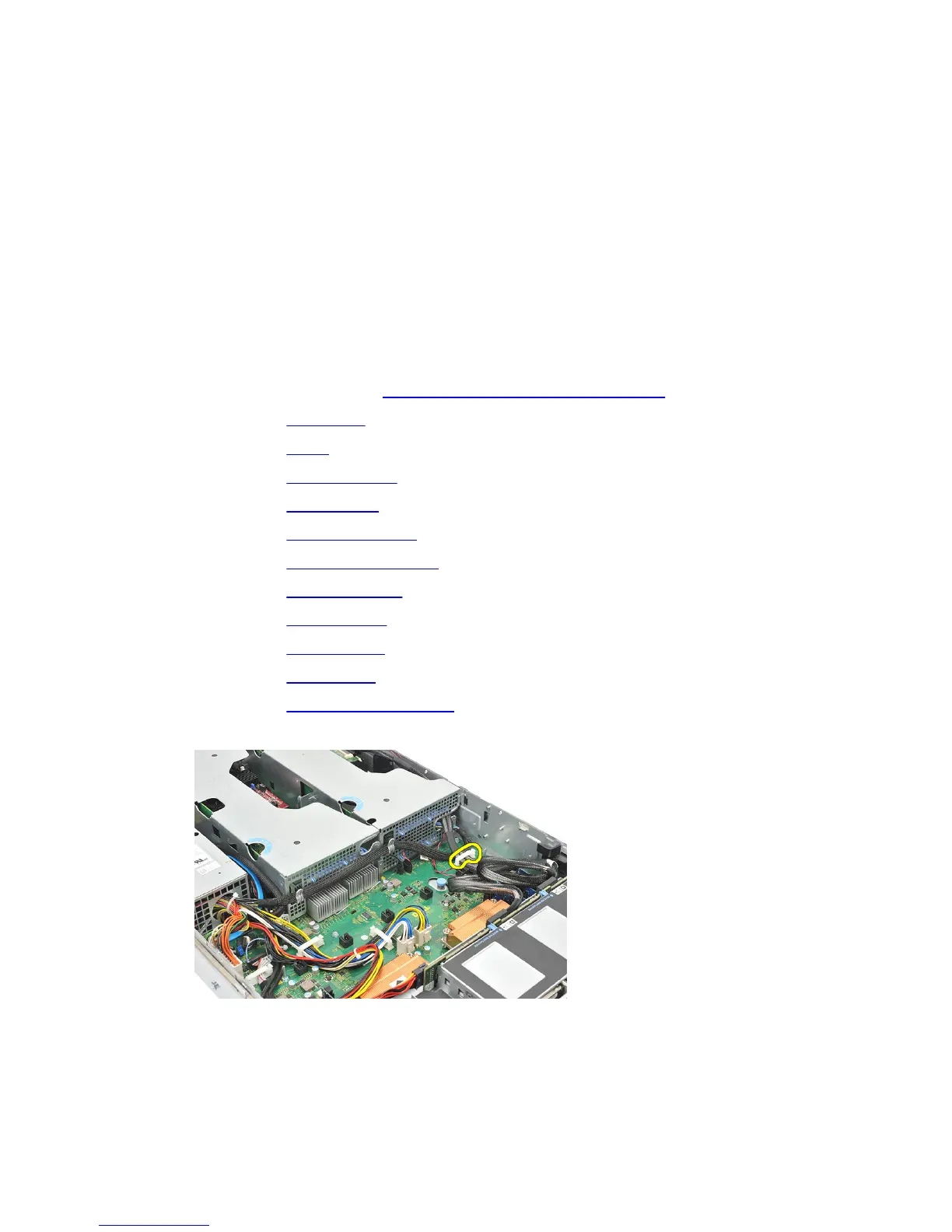
13. Release the clip securing the power cables.
14. Unthread the cables leading to the expansion card cage.
33















 To Next Page