5
Optical Drive
Removing the Optical Drive
1. Follow the procedures in Before Working Inside Your Computer.
2. Remove the front bezel.
3. Remove the cover.
4. Remove the cooling shroud.
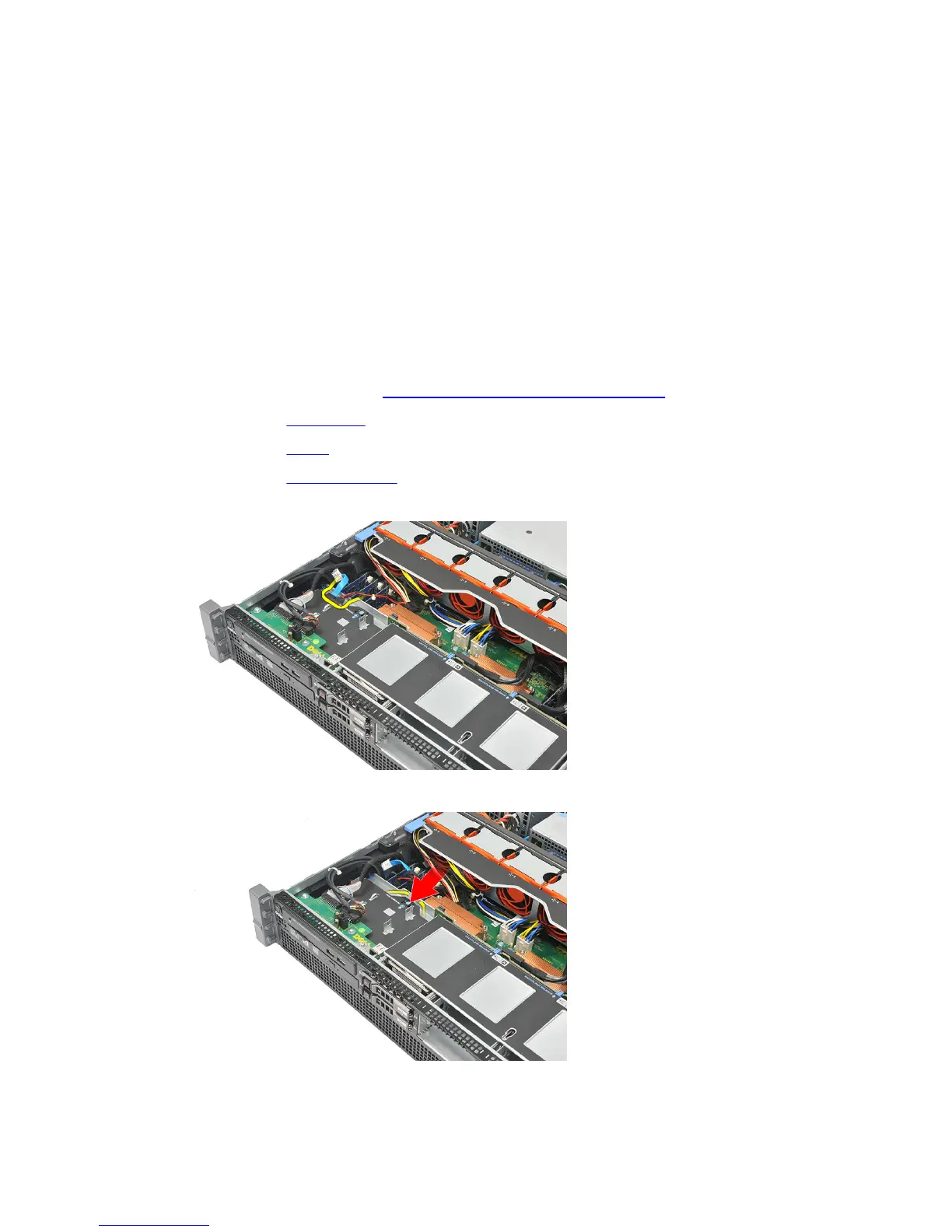
5. Disconnect the power and data cable from the back of the optical drive.
6. Press down and push the blue release tab toward the front of the computer.
7. Slide the optical drive through the front of the computer till it is free of the drive bay.
17















 To Next Page