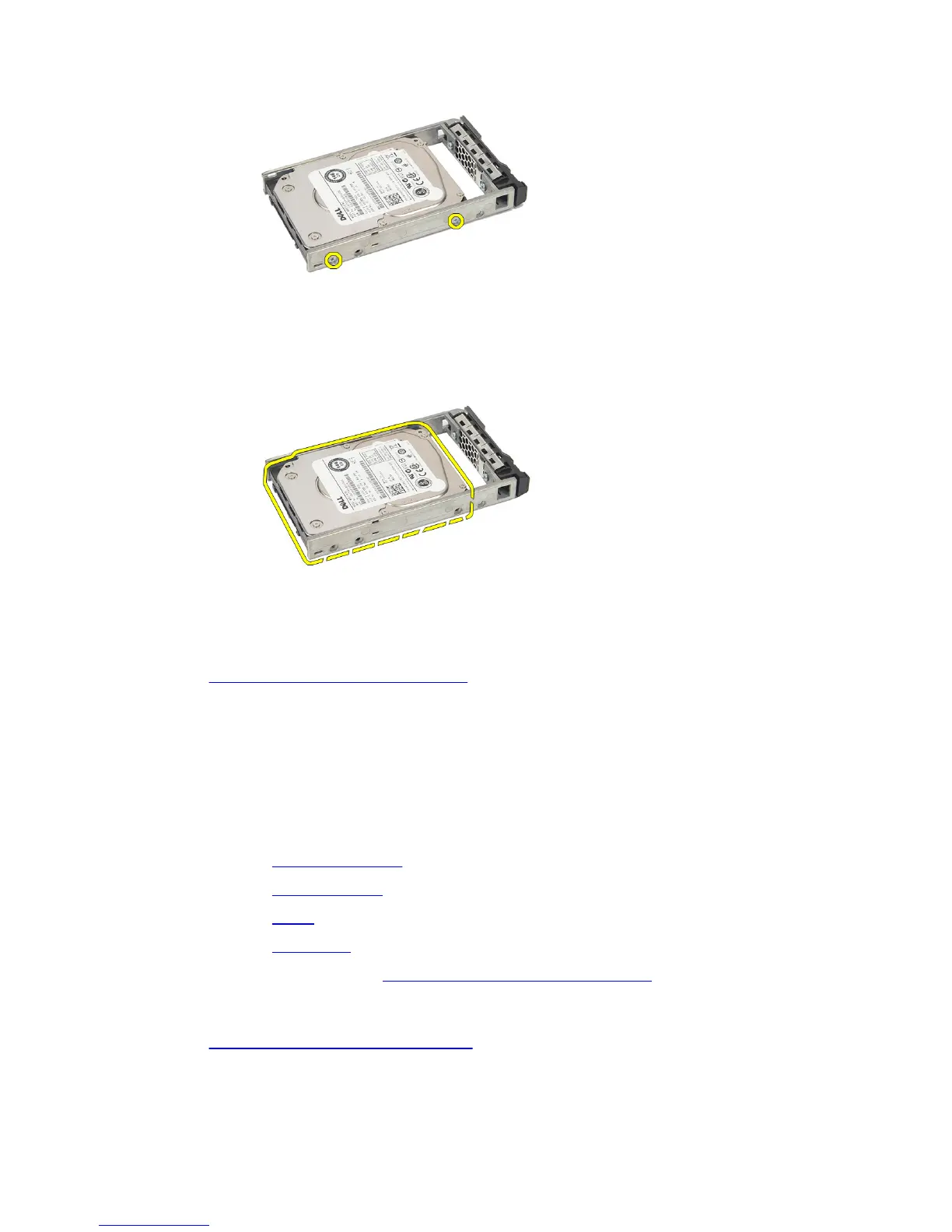
9. Lift up the hard-drive caddy from the hard drive and remove.
Related Links
Installing the Hard-Drive Assembly
Installing the Hard-Drive Assembly
1. Place the hard drive in the hard-drive caddy.
2. Tighten the screws that secure the hard drive on either side of the hard-drive
caddy.
3. Install the hard drive carrier.
4. Install the cooling shroud.
5. Install the cover.
6. Install the front bezel.
7. Follow the procedures in After Working Inside Your Computer.
Related Links
Removing the Hard-Drive Assembly
22















 To Next Page