6
Hard Drive Carrier
Removing the Hard-Drive Carrier
1. Follow the procedures in Before Working Inside Your Computer.
2. Remove the front bezel.
3. Remove the cover.
4. Remove the cooling shroud.
5. Remove the optical drive.
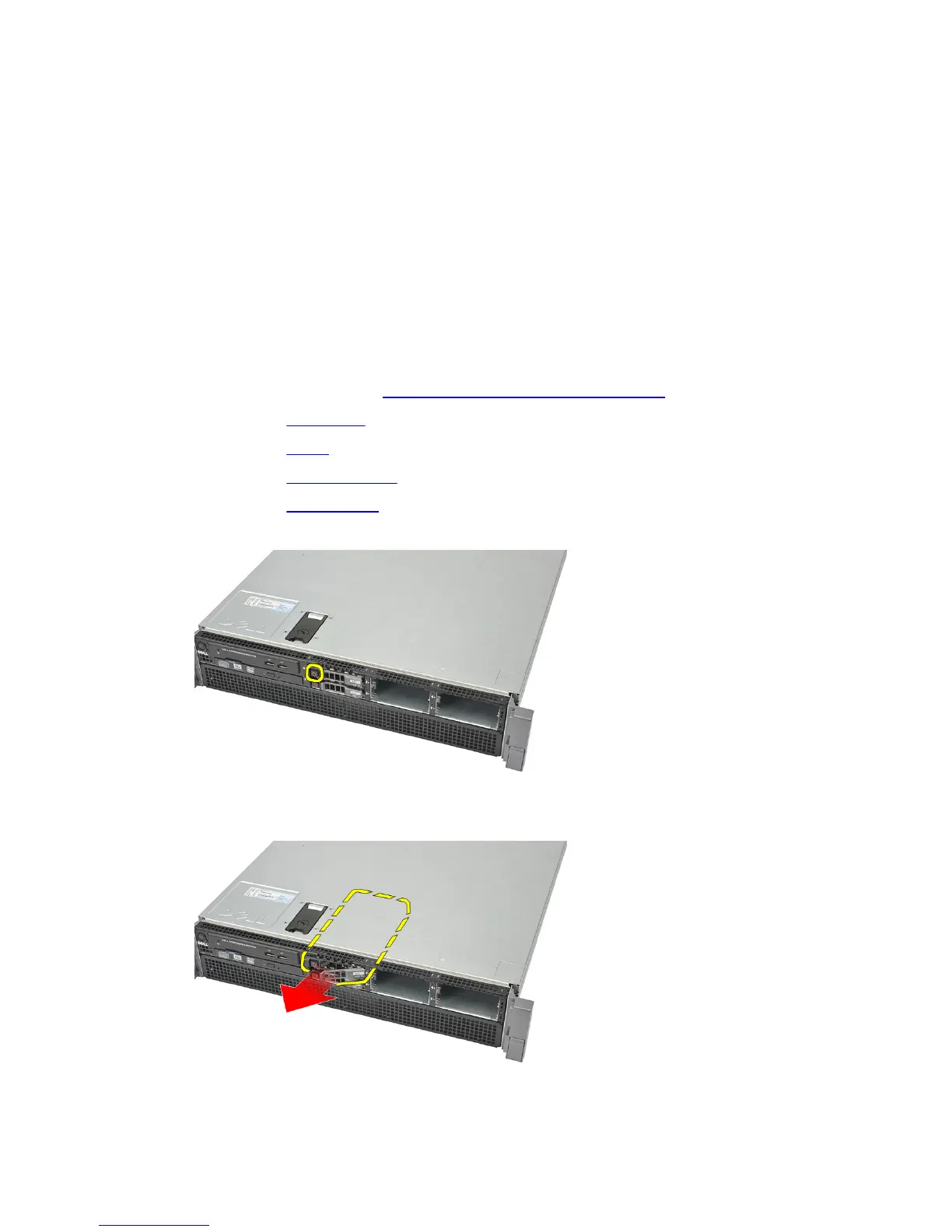
6. Press the release button.
7. Pull the hard-drive carrier handle open.
19















 To Next Page