EasyManua.ls Logo

Dell Precision R5500 - Page 85

Dell Precision R5500
104 pages
Print Icon
To Next Page IconTo Next Page
To Previous Page IconTo Previous Page
Loading...
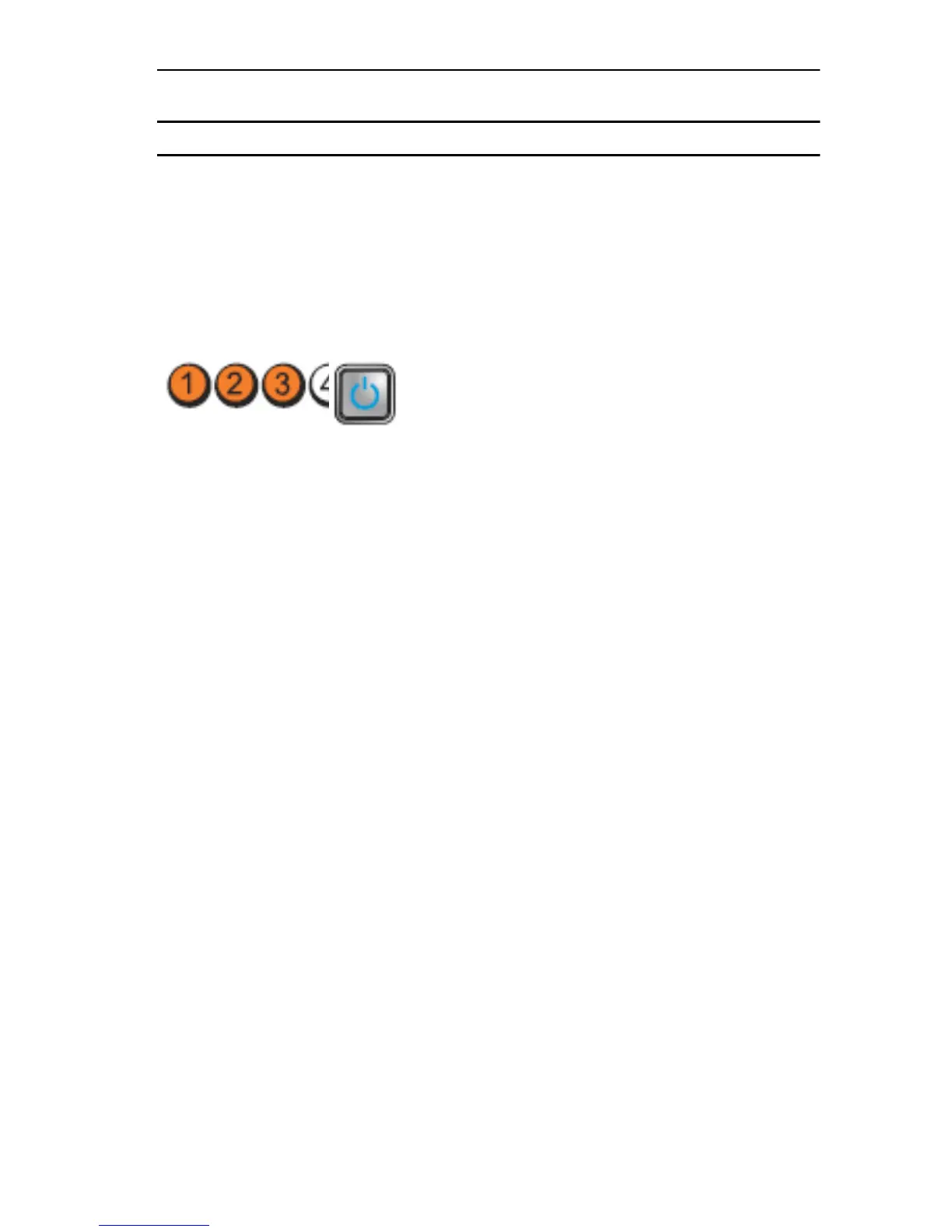
Light Pattern
Problem Description Troubleshooting
Steps
Diagnostic LEDs Power Button LED
until you find the
bad one.
If the problem
persists, the
system board /
system board
component is
faulty.
Some other failure
has occurred.
Ensure that the
display/monitor
is plugged into a
discrete graphic
card.
Ensure that all
hard drives and
optical drive
cables are
properly
connected to
the system
board.
If there is an
error message
on the screen
identifying a
problem with a
device (such as
the floppy drive
or hard drive),
check the
device to make
sure it is
functioning
properly.
If the operating
system is
attempting to
boot from a
device (such as
the floppy drive
or optical drive),
check system
setup to ensure
the boot
sequence is
85

Table of Contents

Other manuals for Dell Precision R5500

Related product manuals