GAVIN-6C Instruction Manual
- 15 -
5. Remove the wirings between the sticks and PCB.
One stick is connected with two interfaces marked with AILE and THRO on
PCB, the other stick is connected with two interfaces marked with ELEV and
RUDD on PCB. Please remember the original connection before removing
the wirings.
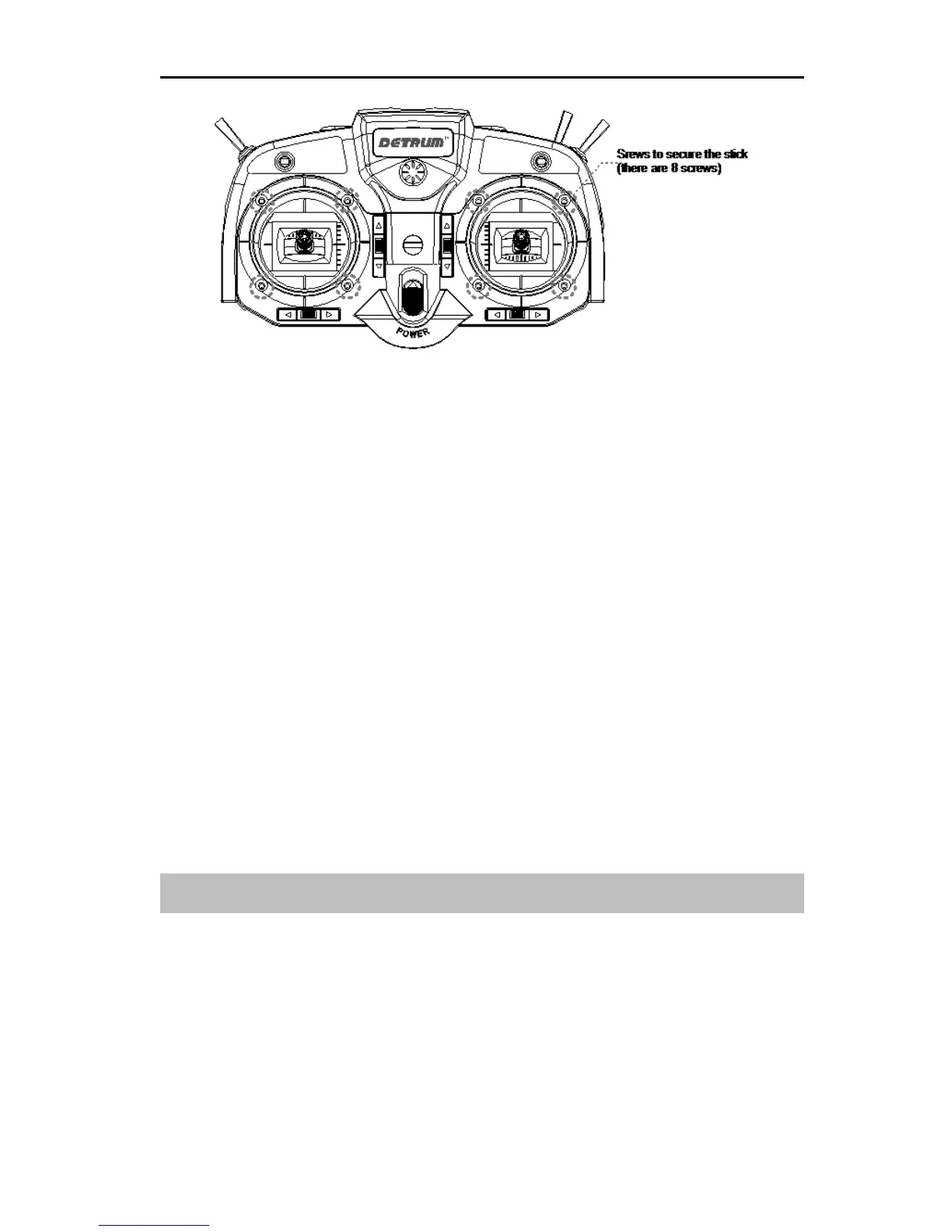
6. Take out the two sticks and exchange the location, and tighten the eight
screws on front cover.
7. Reconnect the wirings between the sticks and PCB.
8. Connect the wirings between the PCB and rear cover, close the rear cover,
and then tighten the six screws on the rear cover.
9. Install the batteries and the battery cover.
NOTE: After changing the location of throttle stick and elevator stick, please
change the stick mode. For details, please refer to Stick Mode [Stick Mode]
(Page 49).
Turn on/off the Transmitter
Turn on the transmitter:
1. Move the throttle stick to the lowest position before turning on the power
switch.
2. Push the power switch upward to turn on the transmitter.
After power on, the LCD displays as the following figure. The transmitter's
LED indicator stays illuminated at the same time. Wait for about 2 seconds,



 To Next Page