2. Press UP or DOWN key to move the cursor and select each character, and
then press R/+ or L/- key to set the value of each character.
3. After completing to edit the model name, press ENT key to save the setting.
The LCD display will back to Model Set interface automatically.
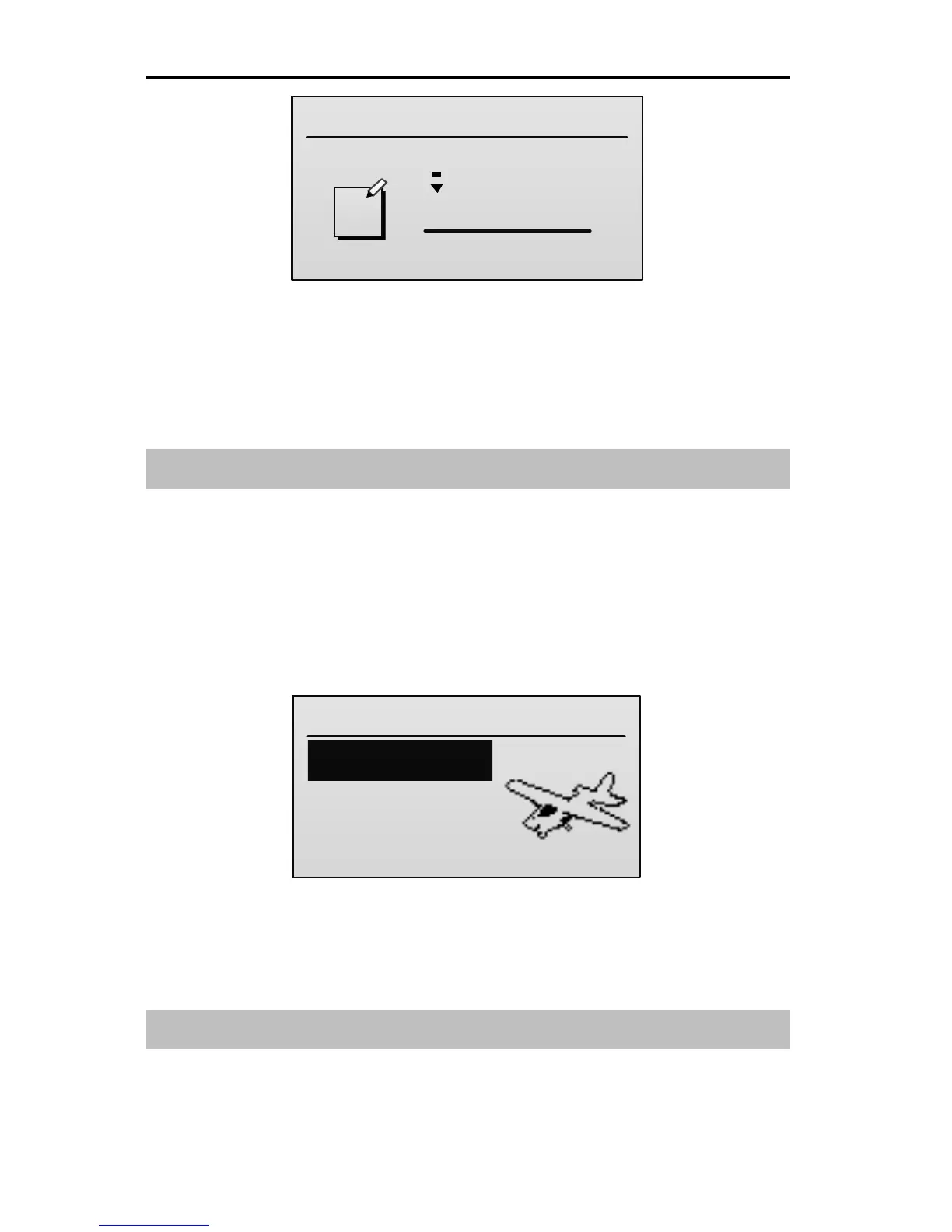
Select Model Type [Type]
This function allows selection of mode type. The type can be select from airplane
(AIRPLANE), helicopter (HELI), or multicopter (MCOPTER).
Setting Method:
1. In the Model Set menu, press UP or DOWN key to select Type, and then
press ENT key to enter the setting interface.
2. Press UP or DOWN key to select the model type, and then press ENT key to
confirm the selection. The LCD display will back to Model Set interface
automatically.
Function Set [Func Set]
The switches (HOLD, FMOD, GEAR, and FLAP) on the transmitter can be used
to customize as the control switch for throttle hold, acrobatic flight, aileron D/R,



 To Next Page