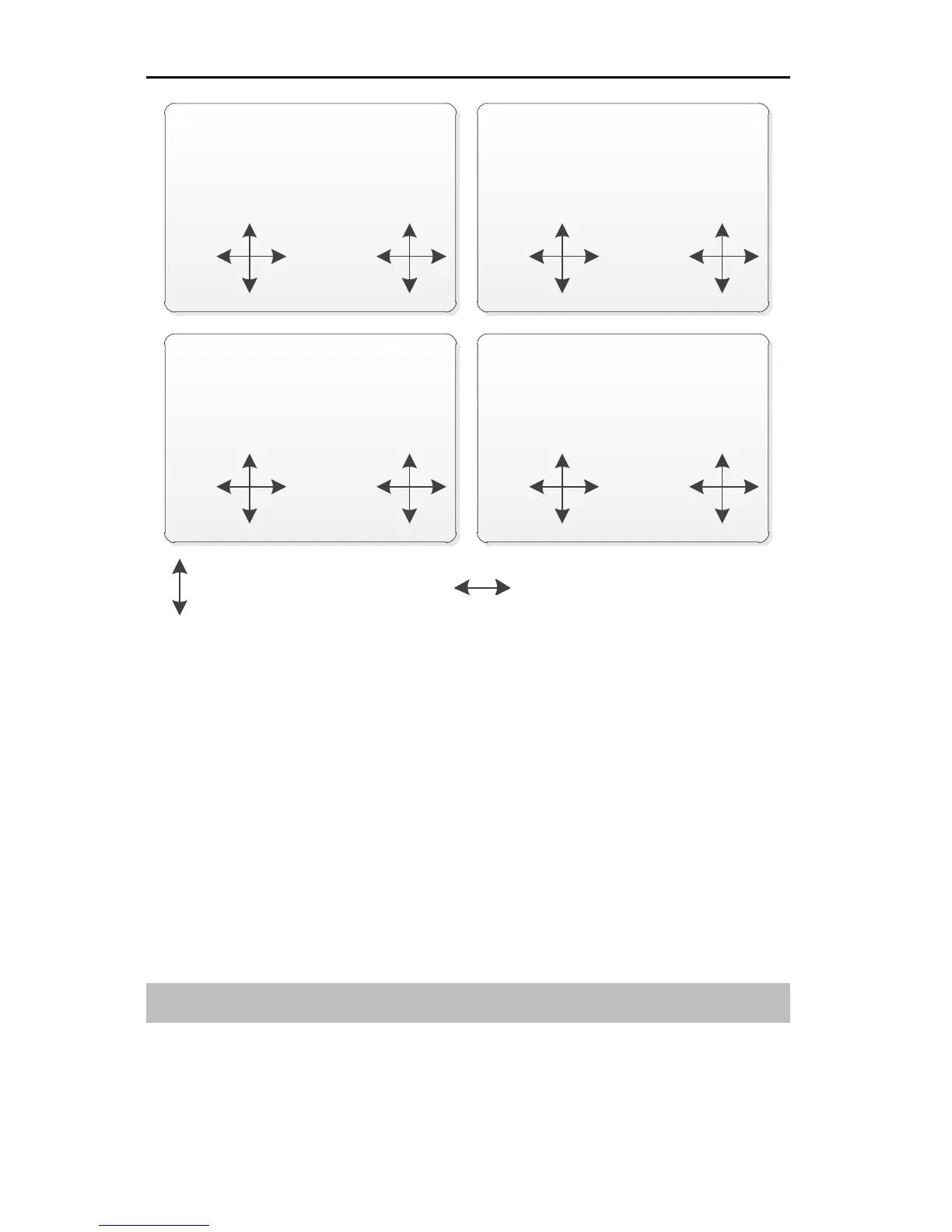
Setting Method:
In the System Set menu, press UP or DOWN key to select Stick Mode, and then
press R/+ or L/- key to set the value.
Note:
If the throttle stick position to be changed when changing the stick mode, the
throttle stick and elevator stick location requires changing. For details, please
refer to Change the Location of Throttle Stick (Page 14).
Be sure to calibrate both stick gimbals after changing the stick mode. For
details, please refer to Calibration [Calibration] (Page 48).
Key Volume [Key Volume]
It is possible to change the volume (or mute) for the keys.
Values: 0~10. You may disable the key sound by changing the volume to 0. The
larger the value is, the greater sound volume the keys will emit.



 To Next Page