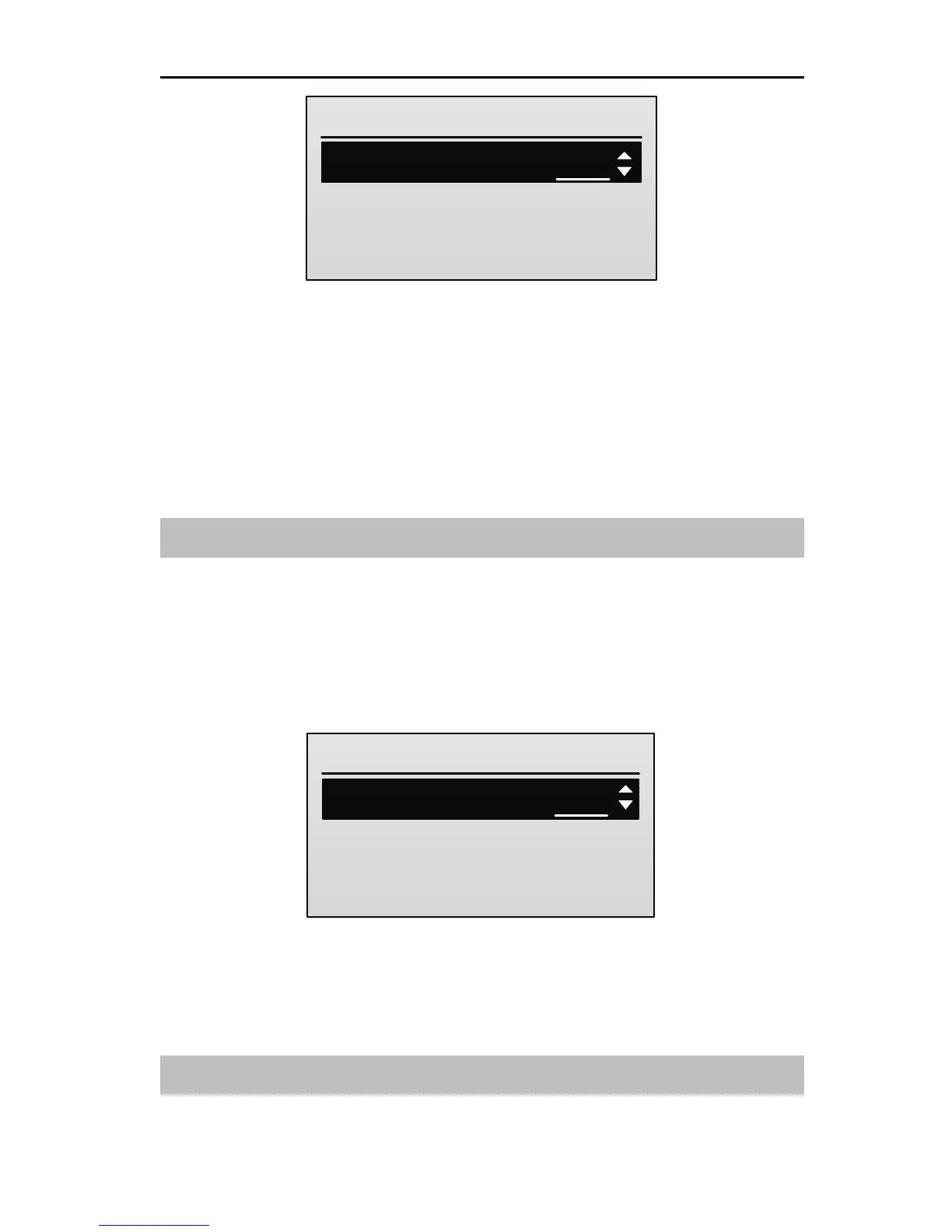
2. Press UP or DOWN key to select LOW / HIG of one channel, and then press
R/+ or L/- key to set the value of LOW / HIG travel.
LOW: It is used to adjust the left servo throws. Values: 0~120. The default is
100.
HIG: It is used to adjust the right servo throws. Values: 0~120. The default is
100.
Sub Trim [Sub Trim]
This function is used to set the servo neutral position.
Setting Method:
1. In the Model Parameter menu, press UP or DOWN key to select Sub Trim,
and then press ENT key to enter the setting interface.
2. Press UP or DOWN key to select the channel, and then press R/+ or L/- key
to set the value of the channel.
Values: -100~100. The default is 0.
Stick Curve [Stick Curve]
This function is used to adjust servos operation in response to aileron / elevator /



 To Next Page